Animate photo character based on performer video

Clear image, even lighting, only 1 person in frame

Choose clips with the motion/expression you want to replicate, avoid unrelated content

Demo VideoExample of Photo Animate result

Upload a character image and reference video to generate your own

AI Motion Control Video Generator

Bring your visuals to life using the power of AI. Control static images with reference videos, automatically learning visual dynamics and motion patterns to animate characters.

AI-Powered Technology
AI Motion Control

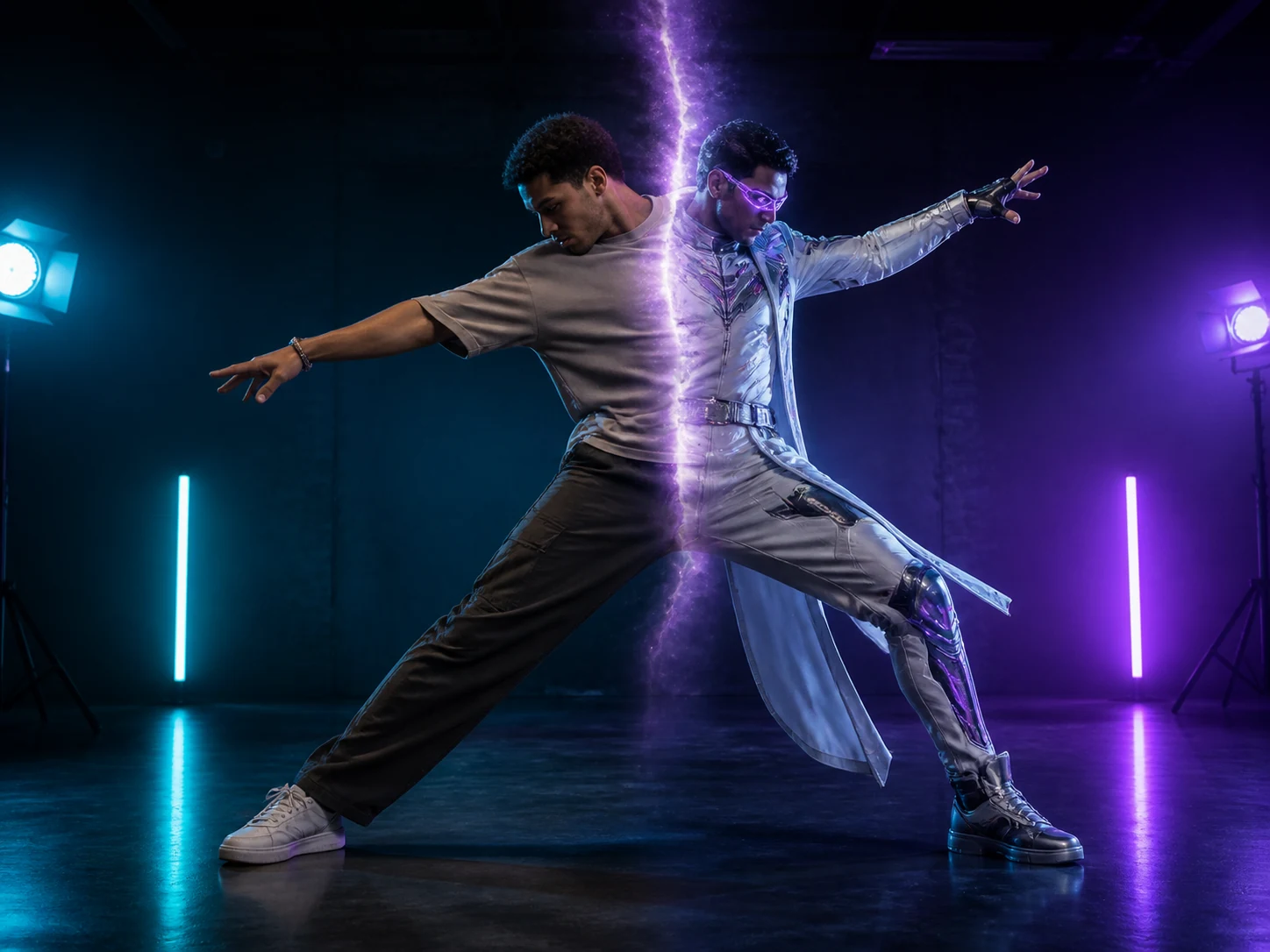
Transform any reference video into animated character performances with precise motion transfer powered by AI.

  • Upload your character image and reference video
  • AI analyzes motion and transfers it to your character
  • Get professional animation in minutes
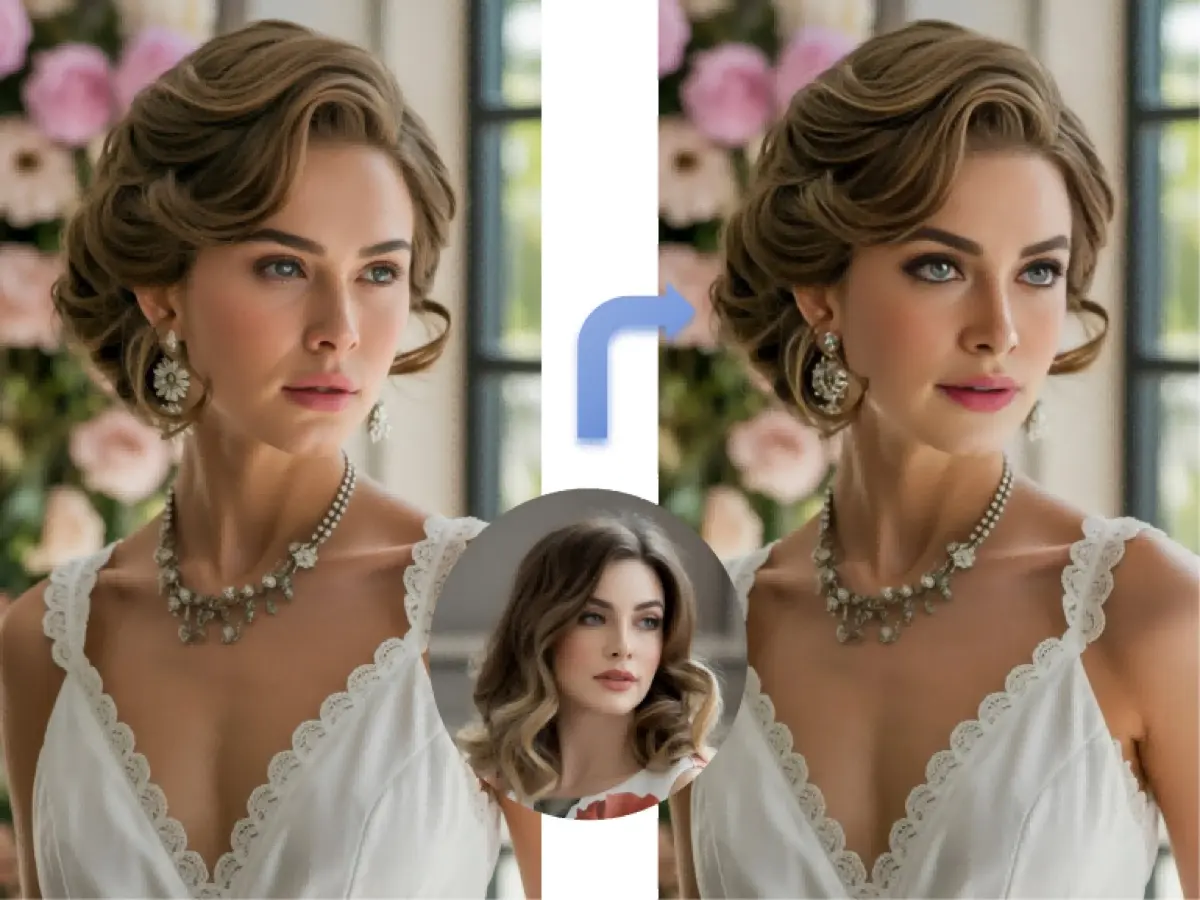
BEFORE
AFTER

How Motion Transfer Video Works

Turn Static Images into Animations in 3 Simple Steps

Step 1: Upload Reference Video

Step 2: Upload Character Image

Upload Character Image

Step 3: Get Animated Video

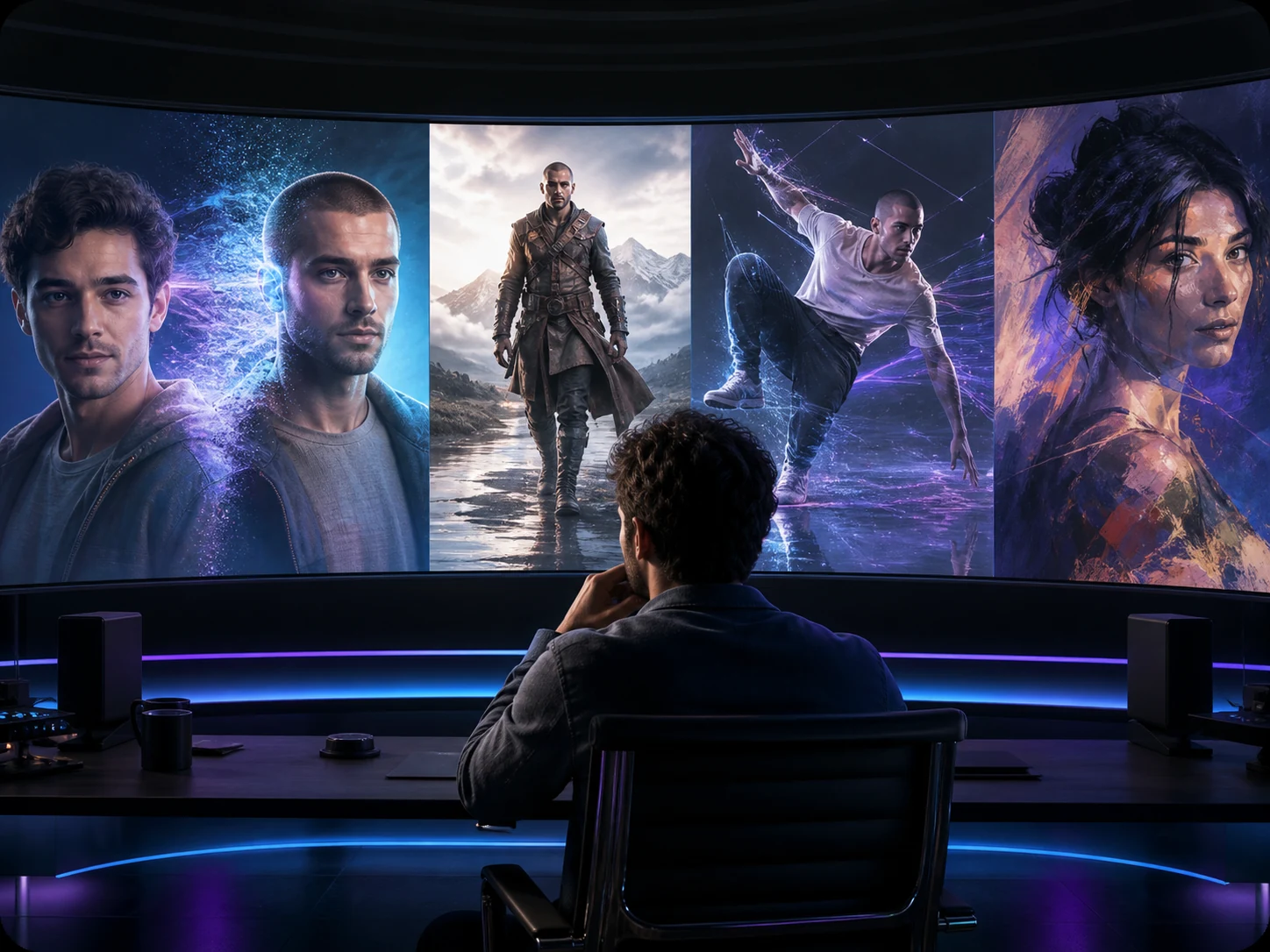
AI Motion Control — Make Any Character Perform Like a Real Actor

Upload a character image + a reference video. We transfer the performance to your character while keeping identity consistent.

Transfer Motion from a Reference

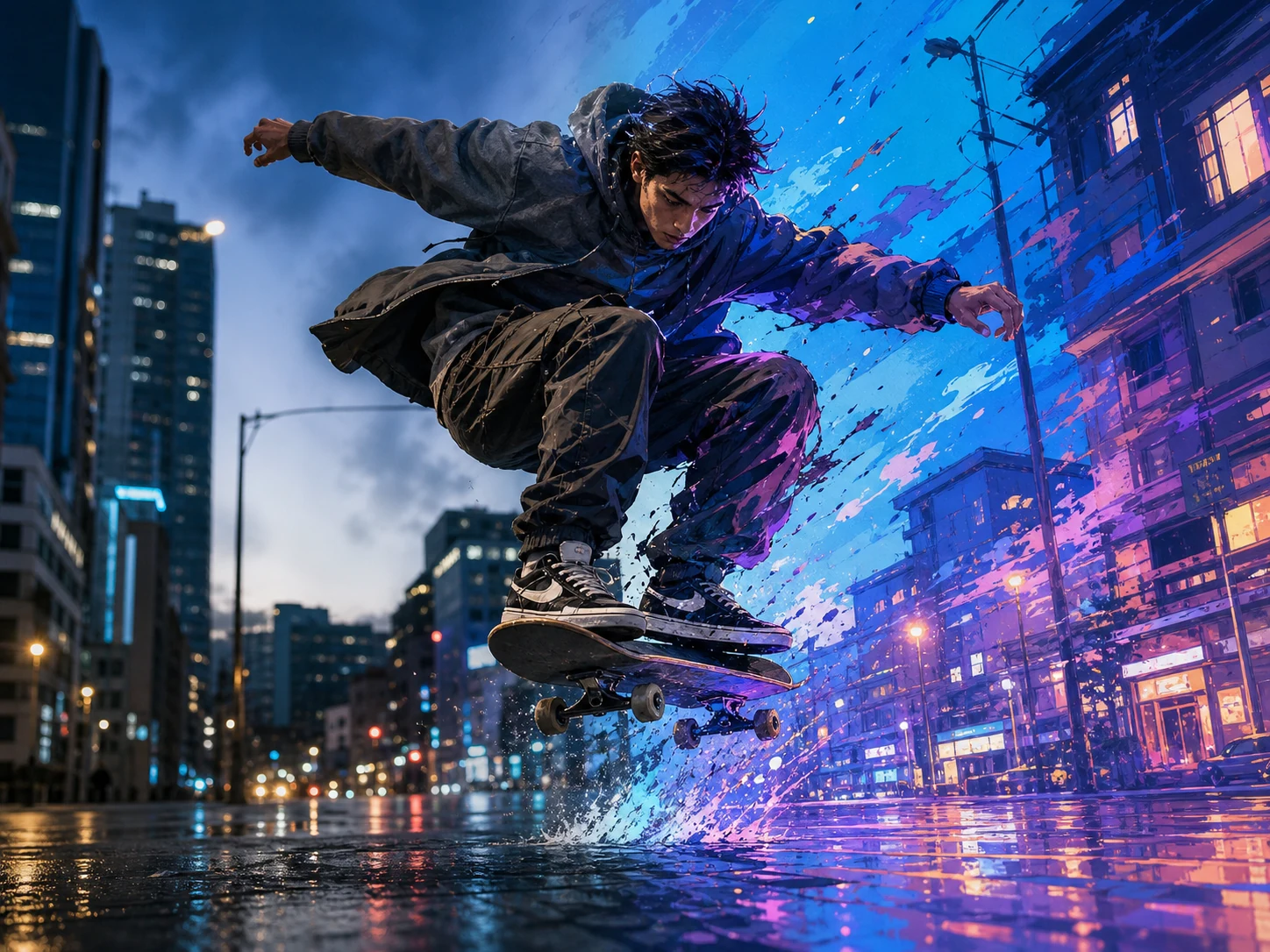
Turn a still image into a natural performance—gestures, acting beats, and full-body moves come from your reference clip, not guesswork.

Control Character Movement More Precisely

Create everything from subtle facial acting to dynamic full-body movement (dance, walking, action, performance). For cleaner results, match your input image framing (portrait / half-body / full-body) to your reference clip.

Motion-Guided Video Generation for Creators

  • AI Dance Video Generator: reuse one choreography across multiple characters for TikTok / Reels / Shorts
  • Acting & Performance Transfer: make a character speak, react, gesture, or perform acting beats
  • Brand Mascots & Ads: animate mascots or product characters with consistent motion across variants
  • Anime / Game Character Animation: bring illustrated or 3D-styled characters to life with realistic timing
  • Creator Templates: keep motion consistent while swapping identity, outfit, and visual style

FAQ About AI Motion Control

Common questions about AI motion control, motion transfer, and image-to-video animation

AI Motion Control is a method to transform static images into controllable dynamic videos. You can use reference motion (such as reference videos) or annotate motion paths on images to make characters/objects move as you want, generating more natural image-to-video animations.

On VideoSwap's AI Motion Control page, you mainly upload two items: Character Image + Reference Video (max 50MB). The system will analyze the motion/expressions in the reference video and transfer them to your character image to generate animated videos. Read the detailed tutorial on how to add motion control to AI videos

Both are essentially similar - 'using reference motion to animate static images'. Motion Control emphasizes 'controllability' - you can specify motion using reference videos or hand-drawn paths. Motion Transfer focuses on 'transfer' - directly copying the motion from reference videos to your character. In VideoSwap's implementation, uploading a reference video is doing motion transfer.

AI Motion Control (Photo Animate mode): Animates static images based on reference videos, suitable for 'photo to animation'. Character Swap: Replaces characters in existing videos while preserving original motion/scenes, suitable for 'changing character without changing motion'. Both can use reference videos, but the former is 'image→video' while the latter is 'video→video'.

Currently, VideoSwap's AI Motion Control mainly targets a single subject (one character/object). If your image has multiple characters, the model will try to animate the overall scene, but fine-grained control of each character's independent motion is still challenging. More complex scenes may require layered processing or professional tools (like Morph's multi-track control) to simultaneously control characters and props/details.

You can use prompts as 'director instructions' to enhance motion semantics or style details: such as 'step forward', 'raise right arm', 'more cinematic lighting/atmosphere', etc. Morph also emphasizes 'first use reference motion transfer, then refine results with prompts'.

Images: Clear, evenly lit, with a distinct subject (preferably one person) - as your page also suggests; the model documentation states that clear images significantly improve motion accuracy. Videos: Choose clips with the motion you 'really want to replicate', avoid irrelevant content; for complex motions, test with shorter, cleaner clips first.

For complex motions (like dance, martial arts), reference clips of 3-30 seconds usually work best. Longer videos increase processing time and cost, and may reduce consistency due to too many motion changes. It's recommended to test with short clips first, then try longer ones if satisfied.

Try these optimization methods: - Use clearer, front-facing character images with even lighting (avoid filters/heavy shadows) - Choose reference videos with clear motion and stable camera - Shorten the reference video to the core motion segment - Adjust resolution and frame rate settings - If the character pose differs too much from the reference video, you may need to choose more matching reference materials

Legal use: Please ensure you have the rights to use the uploaded materials (images and videos), and don't infringe on others' privacy or copyrights. Commercial use: You are responsible for the uploaded materials and generated content, ensuring you have the appropriate rights and permissions. Privacy protection: VideoSwap commits to not selling personal information and uses security measures like SSL/TLS to protect data. Refund policy: Please refer to the refund policy page for specific refund conditions.

Still have questions? hi@videoswap.app