Transform gender appearance while preserving motion and expressions
Clear video with visible face, even lighting, moderate motion
⚠️ Do not use children or real person videos for gender swap
Upload a character image and reference video to generate your own
AI Gender Swap Video
Create gender swap videos in one click. Upload your video, select the target gender, or describe the transformation. VideoSwap preserves the original motion, timing, and scene.
Transform gender appearance in a video while maintaining the original performance, lighting, background, and motion flow.
- Quick generation for male-to-female or female-to-male video edits
- Upload a reference image for a custom gender look
- Use text prompts to describe hairstyle, makeup, outfit, age style, or visual mood
How to Make an AI Gender Swap Video Online
Transform your clip into a natural ai gender swap video in 3 simple steps.
Step 1: Upload Video
Step 2: Choose Gender Swap Method
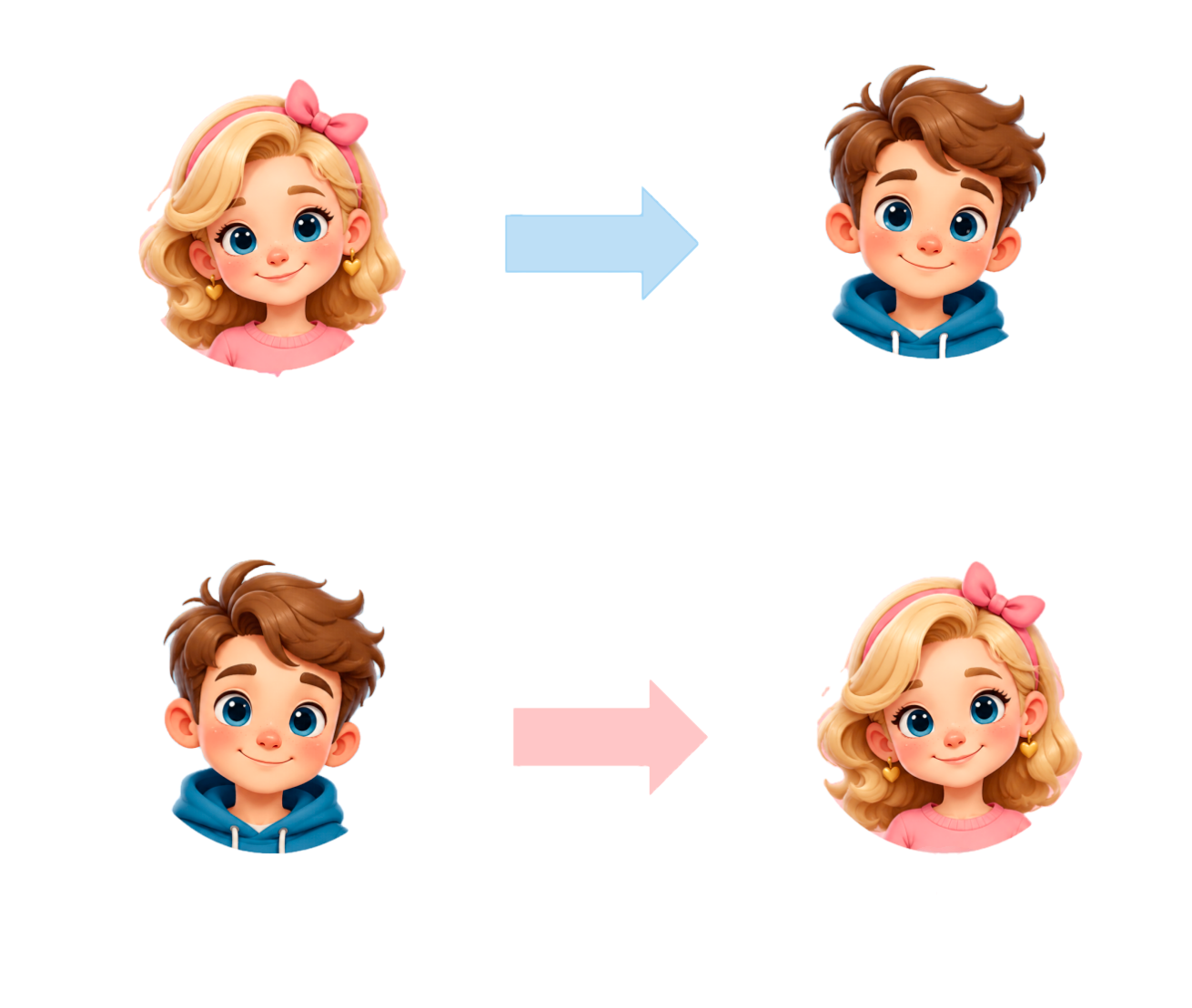
Step 3: Get Gender Swapped Video
Create a Realistic Gender Swap Video Without Manual Editing
Want to create an ai gender swap video without frame-by-frame editing, complex masking, or installing software? VideoSwap lets you upload a short clip, choose a gender direction, and generate a more natural gender swap video directly in your browser.
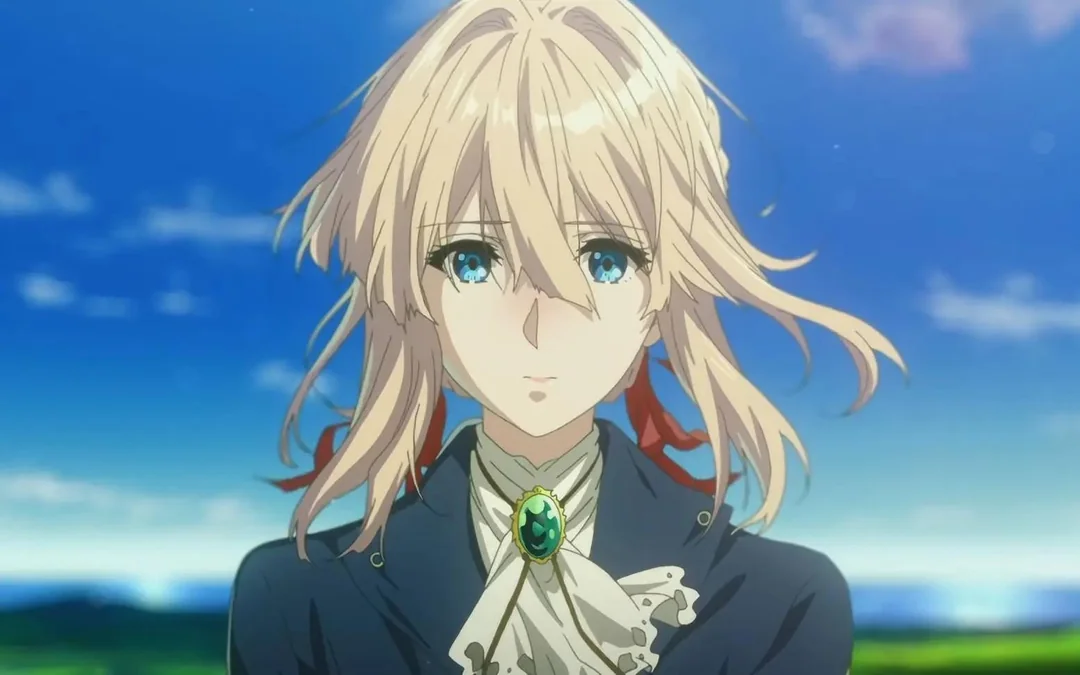

Change Gender in Video While Keeping Original Motion
A good ai gender swap video should not look like a static filter. VideoSwap helps preserve facial expressions, head movement, body rhythm, camera timing, and scene context so the final video feels closer to the original performance.
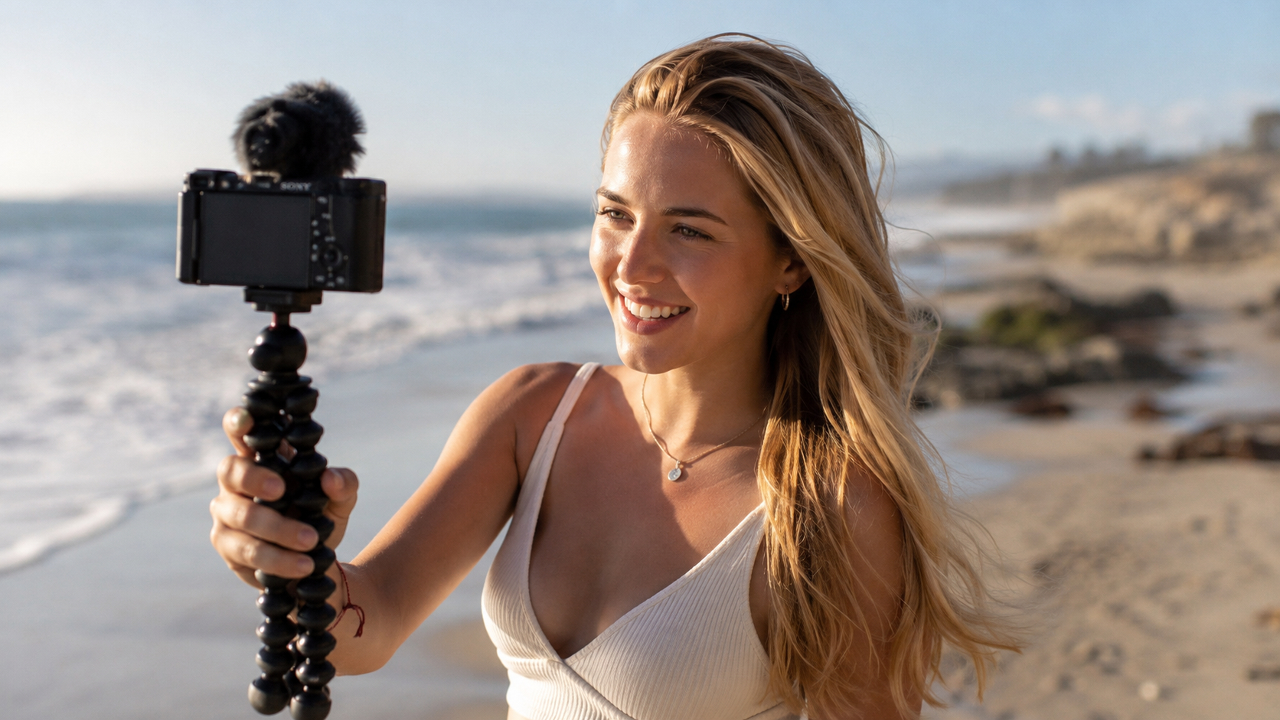
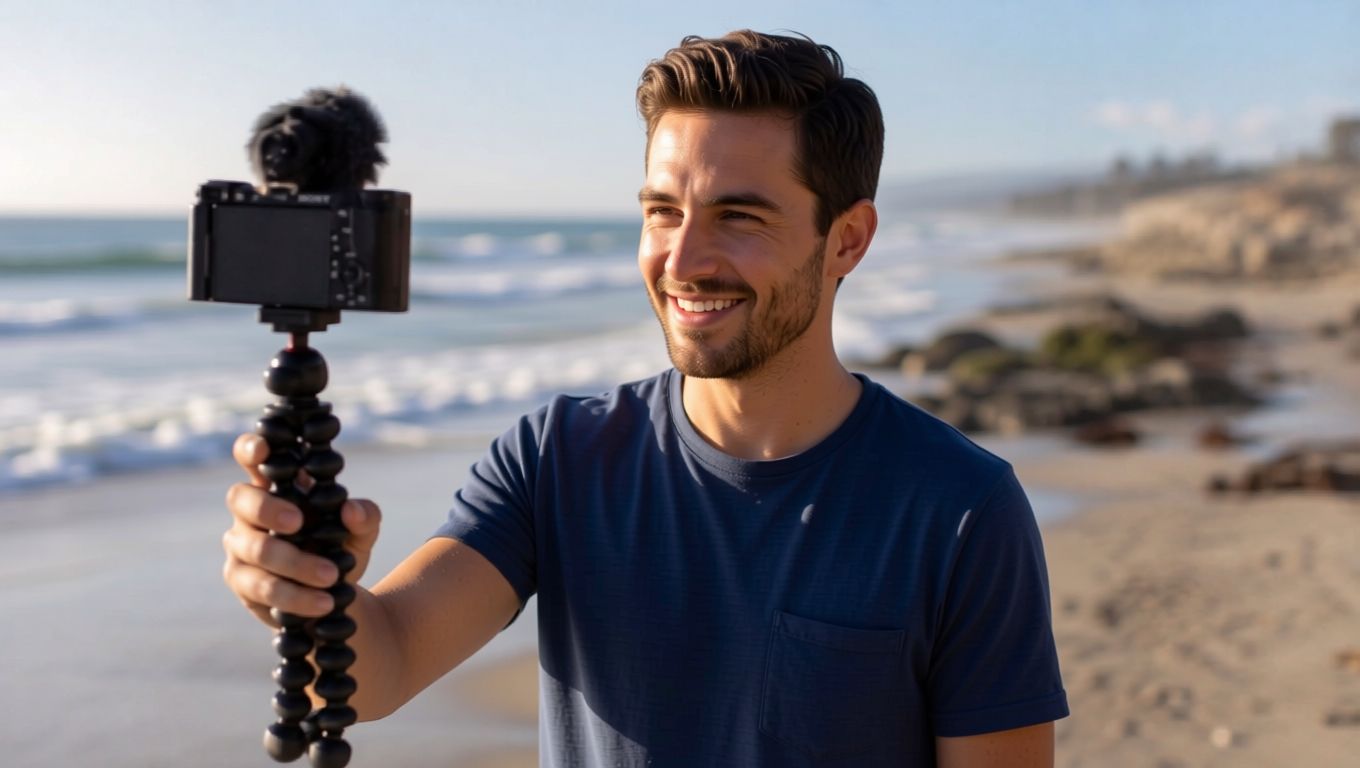
Male-to-Female and Female-to-Male Video Transformation
Use VideoSwap for male-to-female video edits, female-to-male video transformations, gender-bend character concepts, cosplay previews, social content, and creative avatar experiments. You can also use prompts to define a more specific style, such as realistic, cinematic, fashion, anime-inspired, or casual creator look.
Consistent AI Gender Swap Video Results Across the Whole Clip
Unlike simple beauty filters or photo-only apps, an ai gender swap video needs temporal consistency. VideoSwap applies the transformation across frames so the look remains more stable during movement, expression changes, and camera transitions.
AI Gender Swap Video for Creators, Ads, and Entertainment
- Short-Form Content: Make gender swap videos for TikTok, Reels, Shorts, memes, and reaction edits
- Character Concepts: Test alternate versions of a character before production
- Cosplay and Styling Preview: Explore hairstyle, outfit, and presentation changes in motion
- Marketing Variants: Create consent-based ad variations with different on-screen personas
- Avatar Experiments: Build a more flexible creator identity for social campaigns
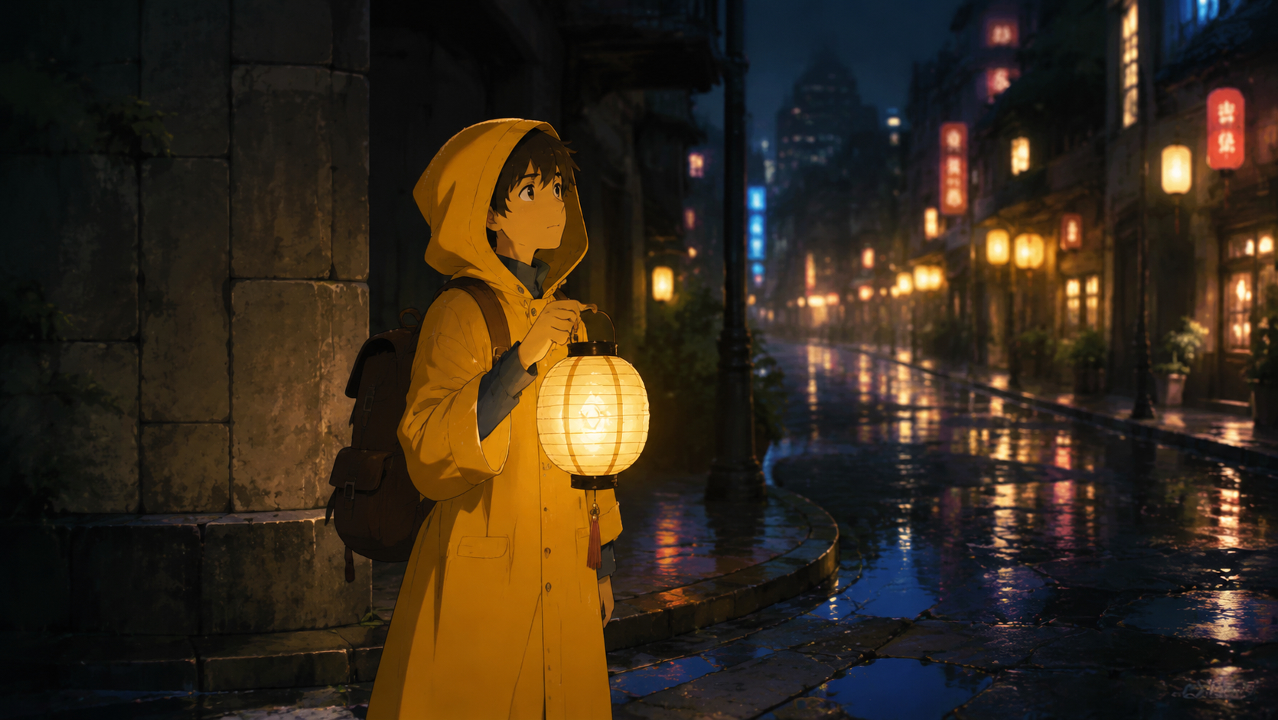
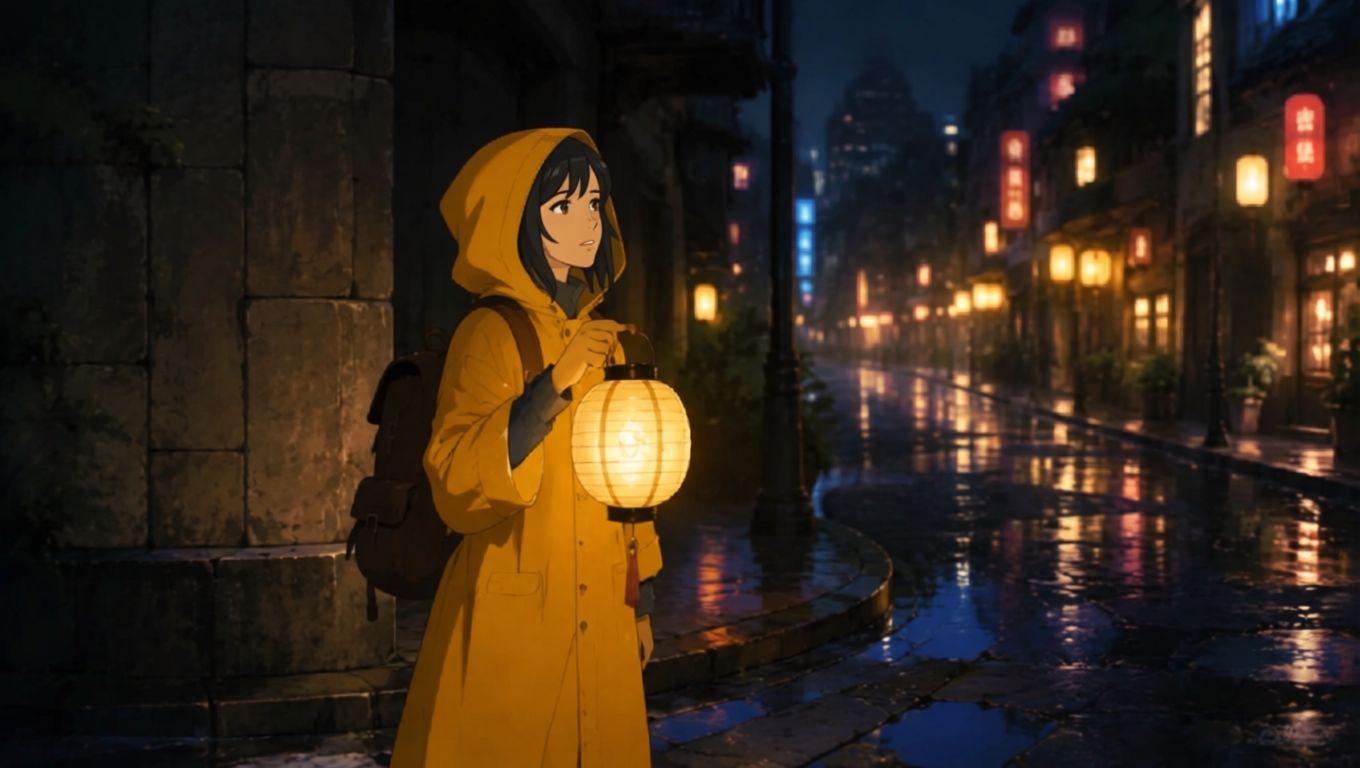
Explore Related AI Tools
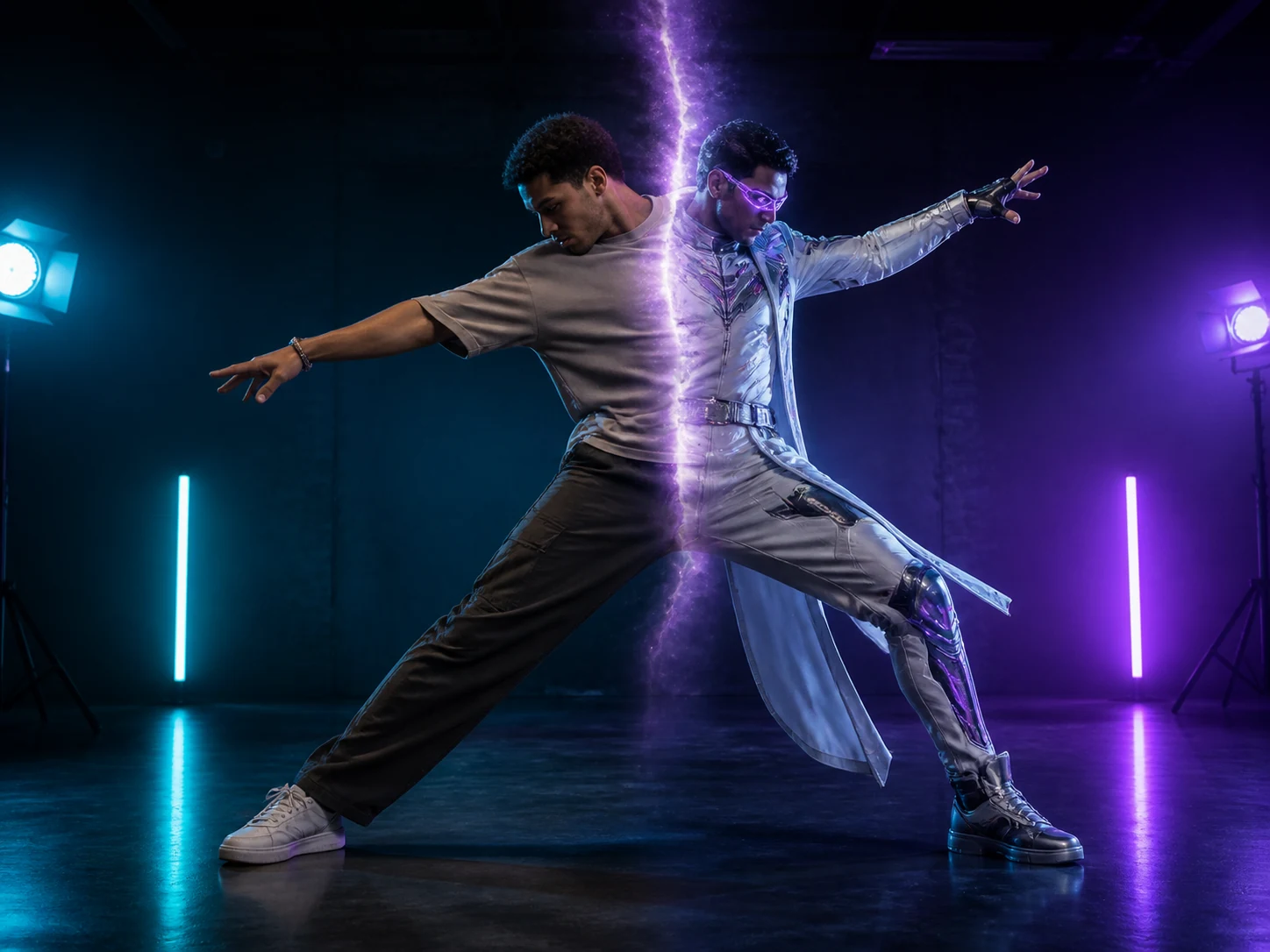
Character Swap
Replace an entire video character while preserving the original motion, expressions, scene, and camera quality.
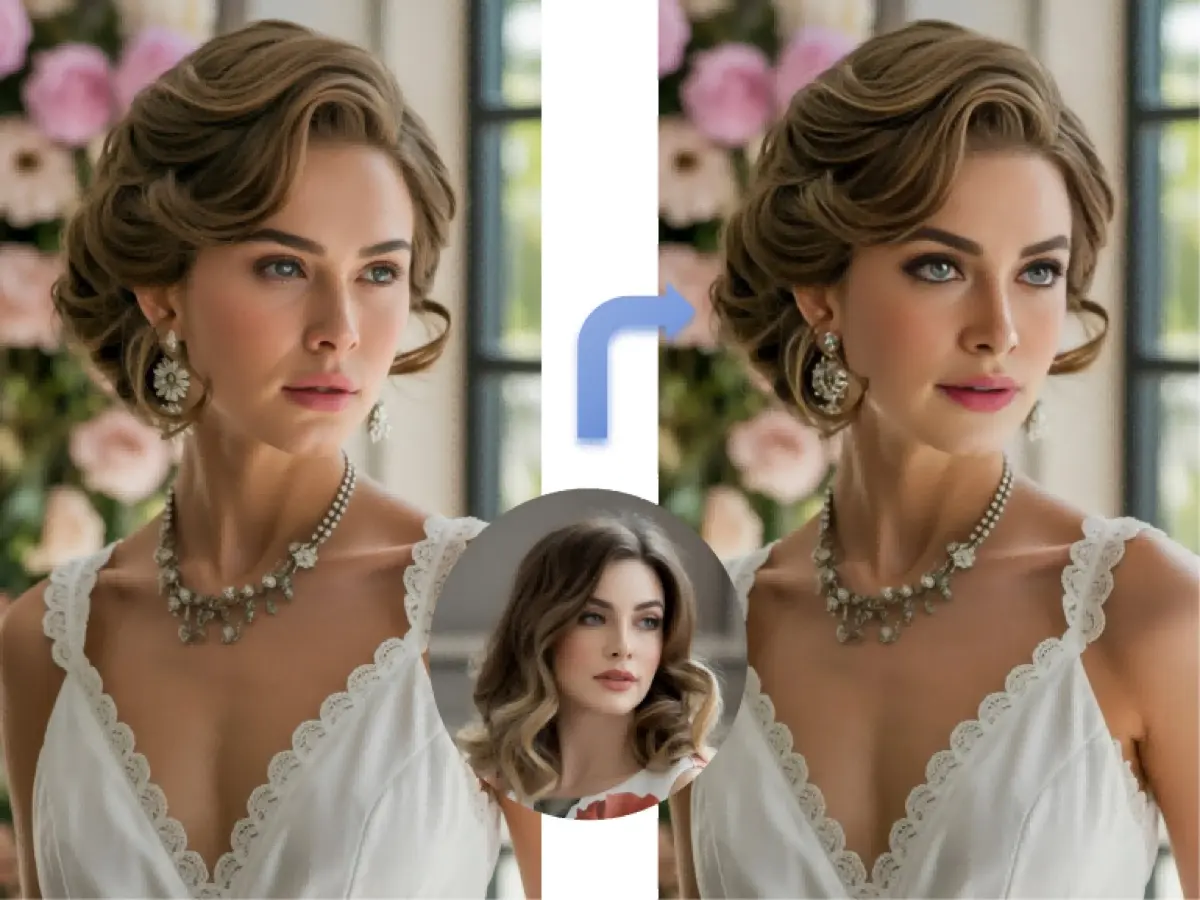
Video Face Swap
Swap faces in videos while keeping natural expressions, movement, lighting, and scene continuity.
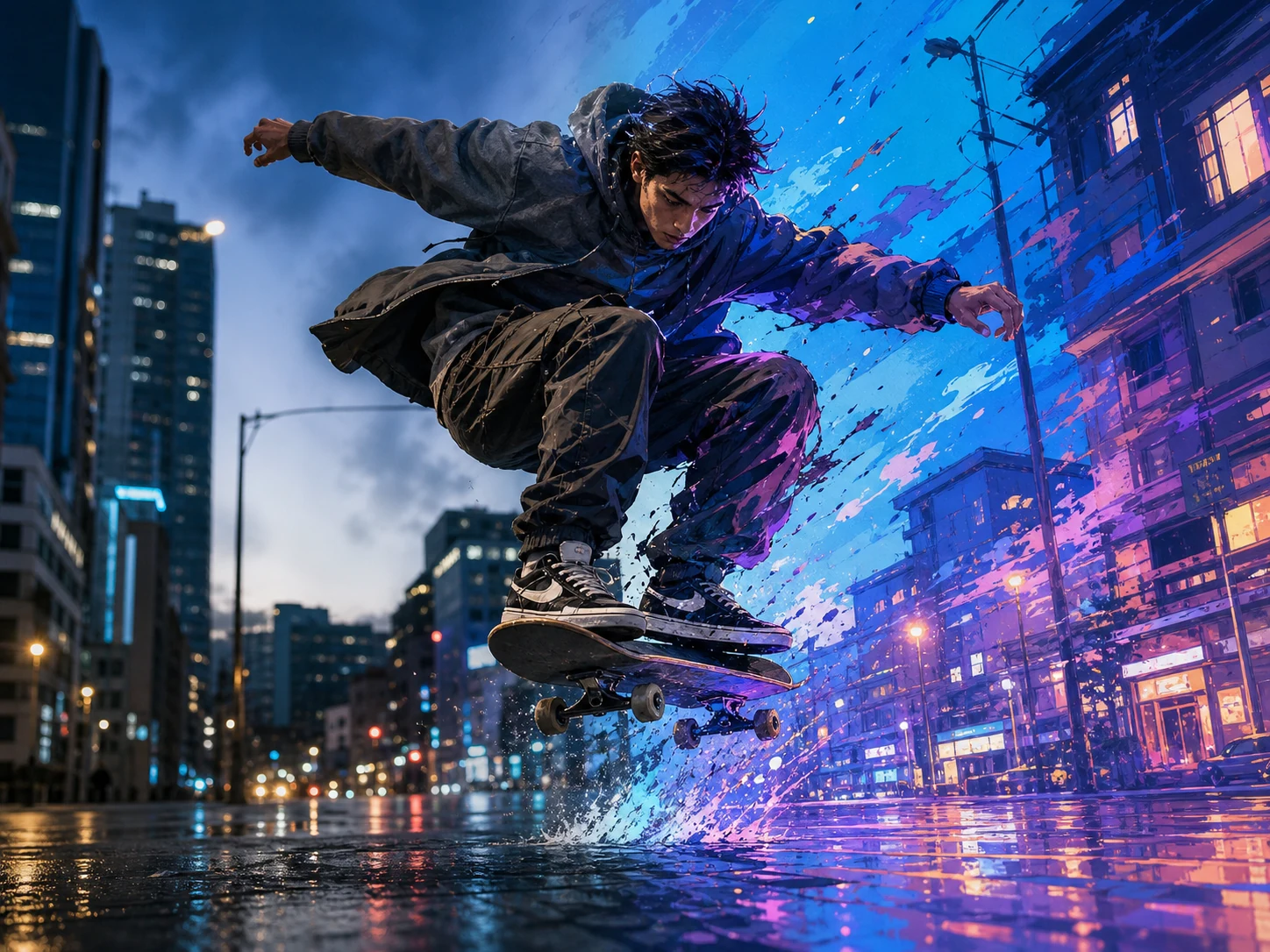
Video Style Transfer
Transform videos into anime, cinematic, artistic, or custom styles while preserving motion and timing.
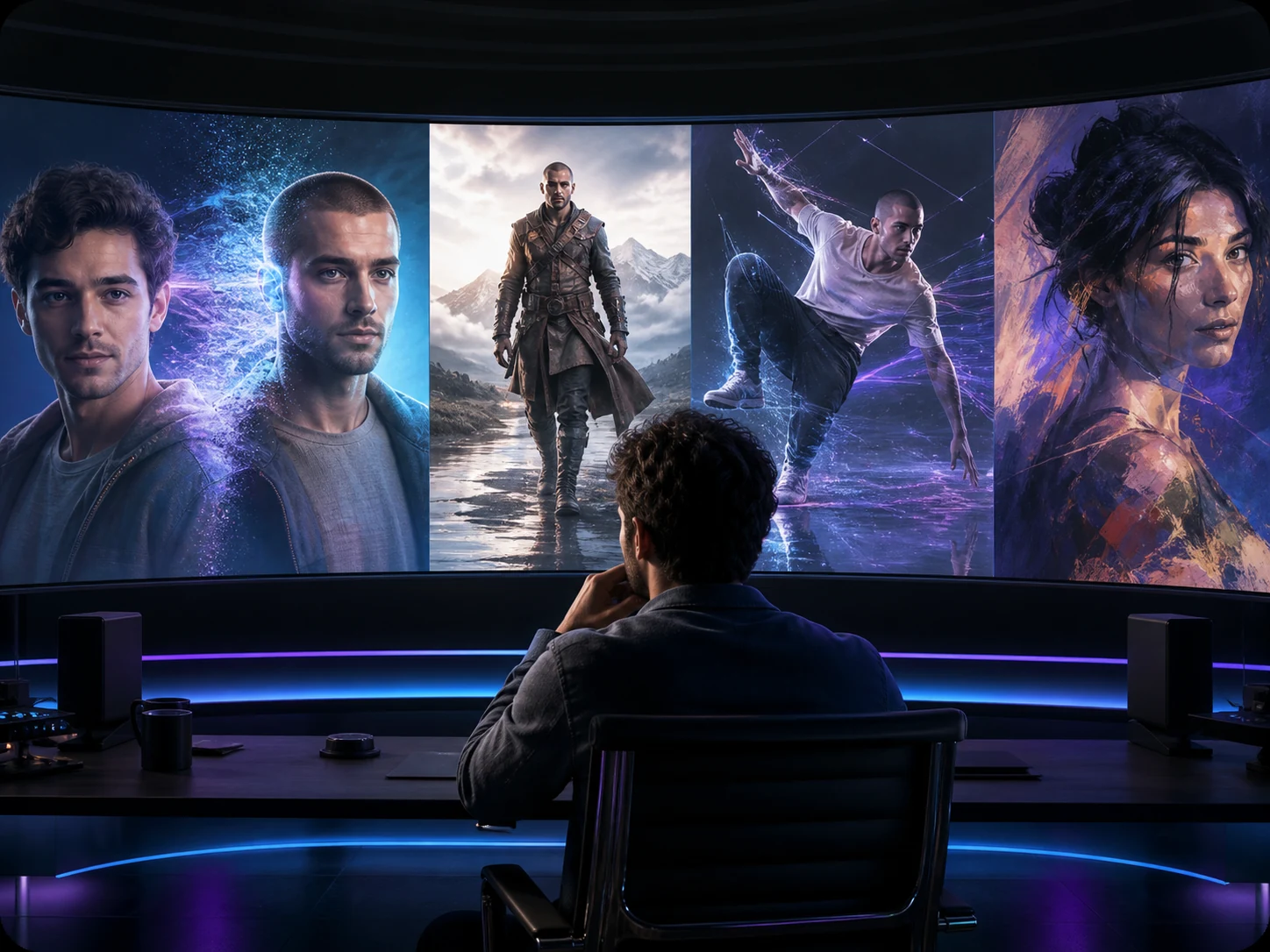
VideoSwap AI
Swap faces and characters, animate images, and stylize videos with all-in-one AI video tools.
FAQ — AI Gender Swap Video
Common questions about ai gender swap video generation and responsible gender transformation.
Still have questions? hi@videoswap.app