Swap the video character with the photo character
Clear image, even lighting, only 1 person in frame
Choose clips with the motion/expression you want to replicate, avoid unrelated content
Upload a character image and reference video to generate your own
AI Character Replacement for Video
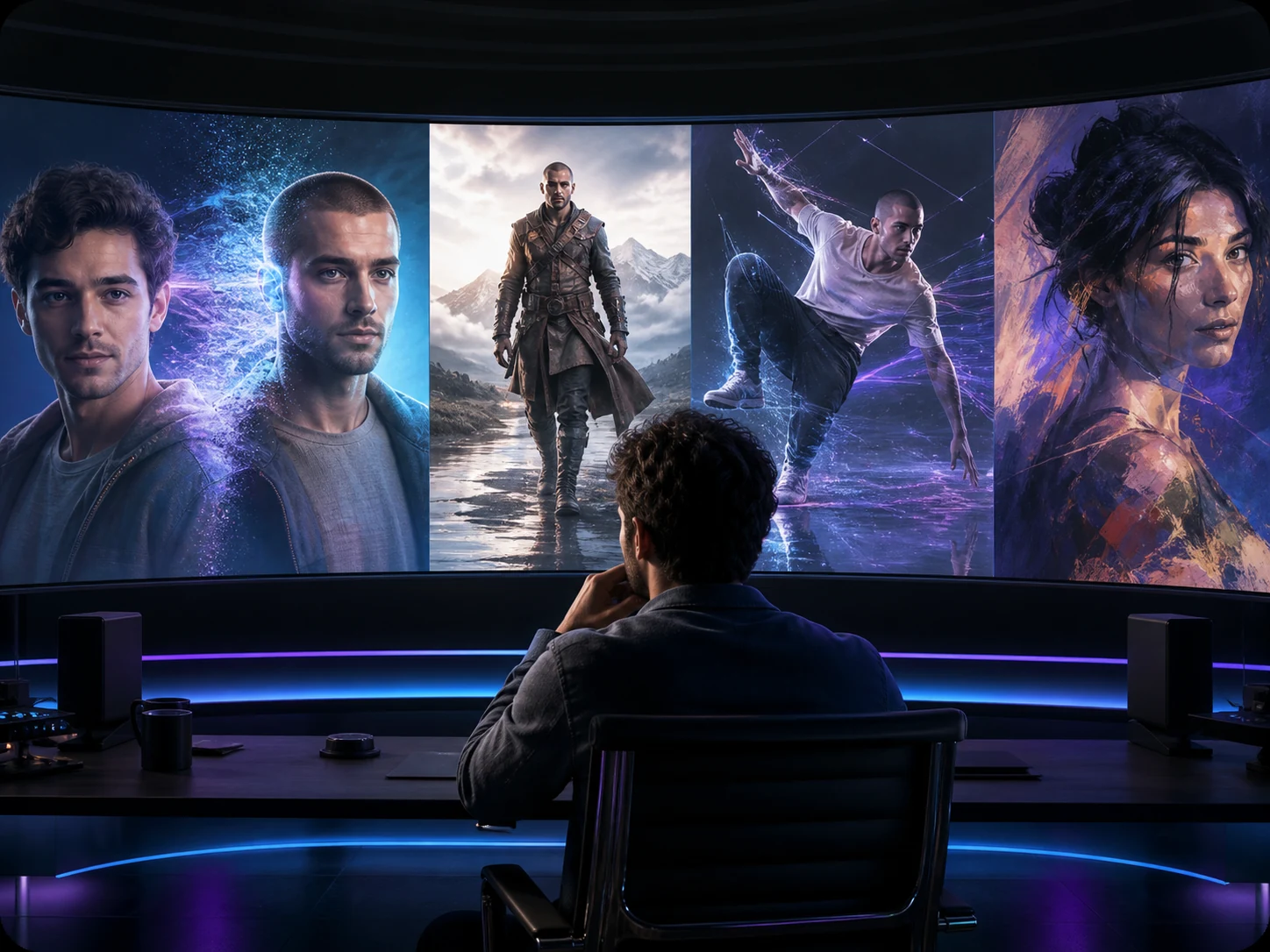
Replace the entire character appearance while preserving the original video's motion rhythm, expression details, and camera quality.
Use AI technology to replace characters in any video, achieving high-quality character swap effects that go beyond traditional face swap.
- Upload your character image and reference video
- AI precisely identifies and replaces characters in the video
- Get professional character swap video in minutes
How AI character swap video Works
Swap Any Character in Videos with 3 Simple Steps
Step 1: Upload Original Video
Step 2: Upload Character Image
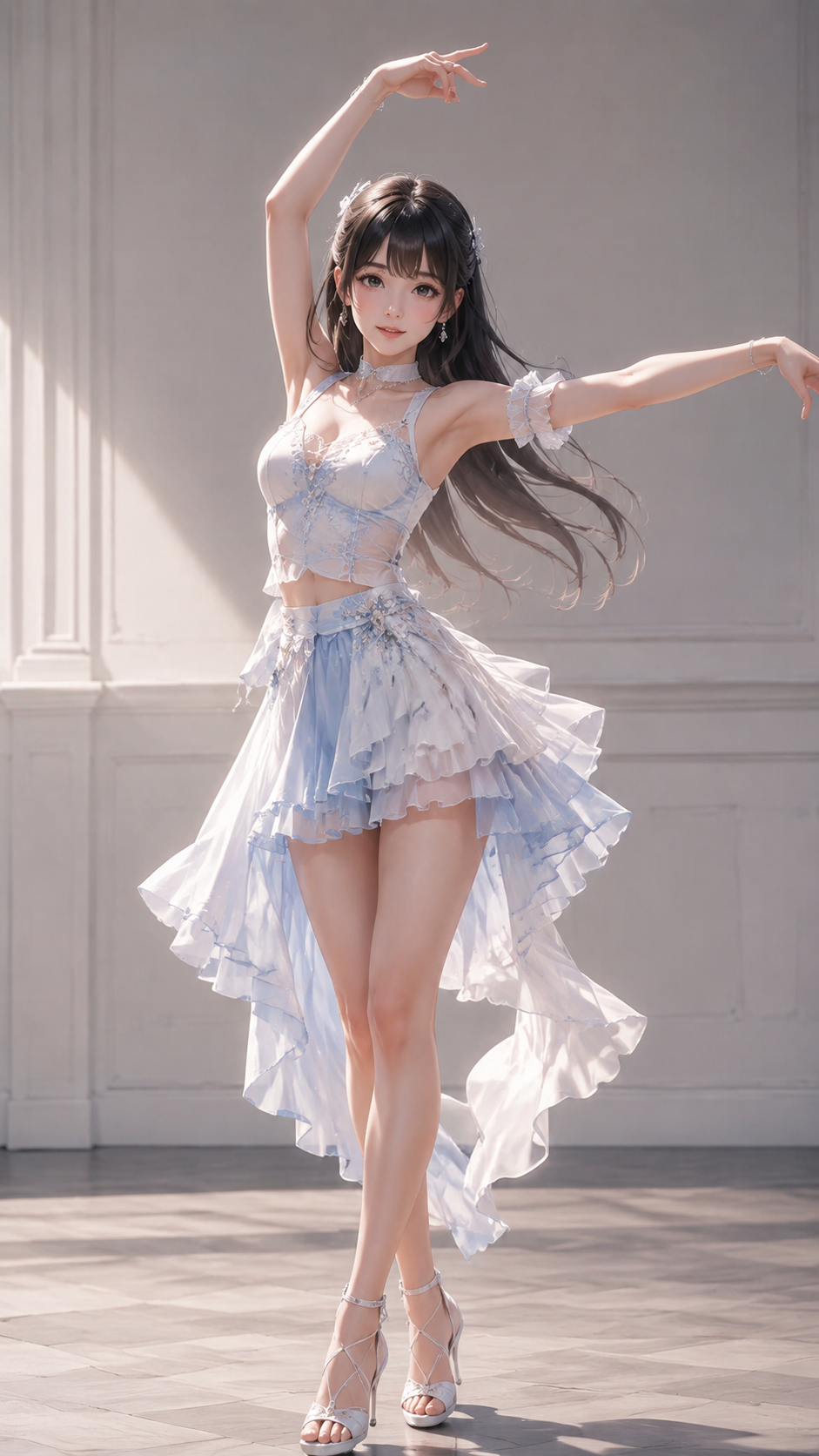
Step 3: Get Swapped Video
Full Body Character Swap – More Than Face Swap, Like Recasting
Replace the entire character appearance while preserving the original video's motion rhythm, expression details, and camera quality.
Full-Body and Identity-Level Video Replacement
Unlike common face swaps, character replacement replaces the entire person (face, clothing, and overall body style) while preserving the original video's performance and rhythm. The new character follows the same movements, body language, and facial expressions, resulting in smoother footage without the 'floating' or mismatched feeling.
Replace a Character Without Rebuilding the Scene
Good character replacement should look like it was filmed in the original scene. The system maintains the background and camera unchanged, and by matching scene lighting and overall color tone, helps the replaced character blend better into the frame, reducing obvious 'pasted/cutout' artifacts.
Use Character Swap for Ads, Content, and Storytelling
- TikTok / Reels / Shorts Video Character Swap:Transform yourself into a new character while keeping the original video performance
- Ad AI Actor Replacement:Quickly create localized or A/B test versions of the same shot (ensure you have authorization)
- Mascots / Anime / Cartoon Characters in Real Videos:Place stylized characters into real scenes with more natural movements
- Story Shorts & Creator Series:Maintain consistent on-screen persona and character image across videos
- Education & Historical Reenactment:Replace real people with illustrations/characters while preserving authentic movements and scene information
Explore Related AI Tools
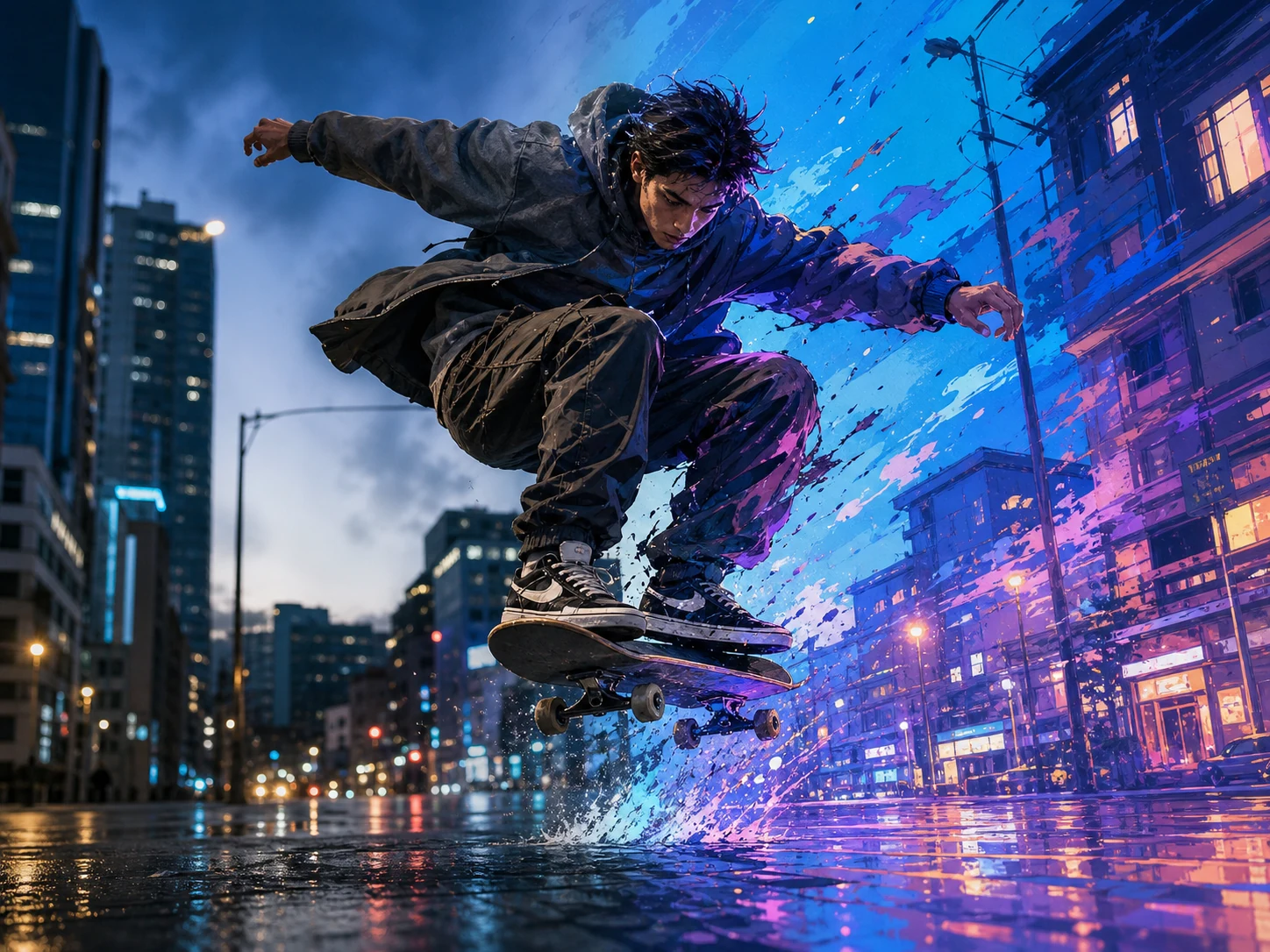
Video Style Transfer
Transform videos into anime, cinematic, artistic, or custom styles while preserving motion and timing.
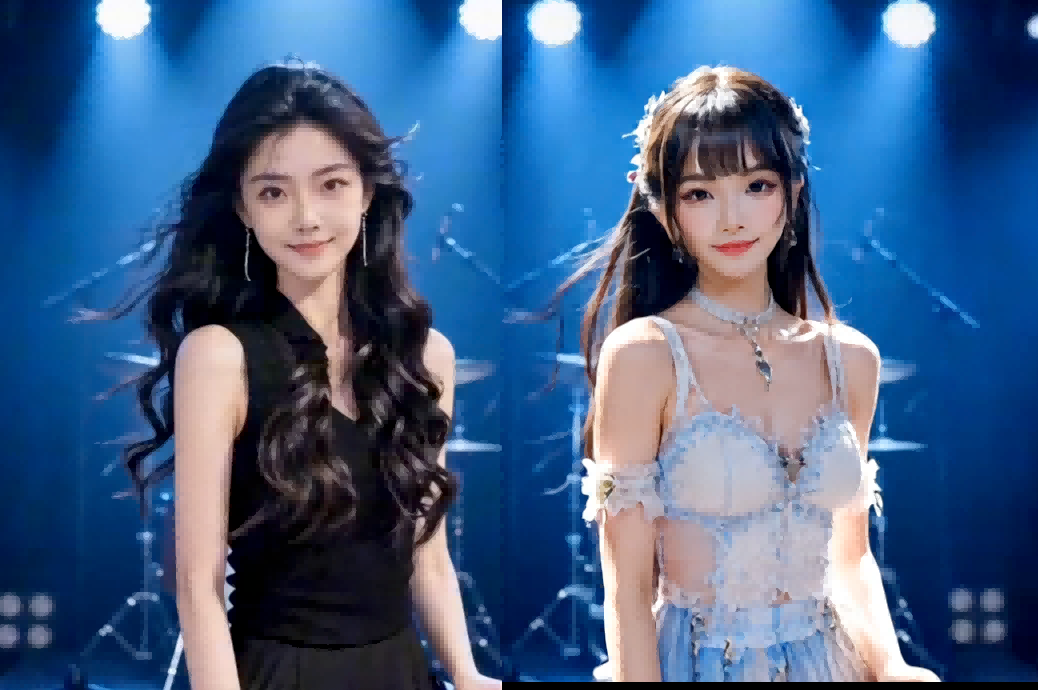
AI Body Swap Video
Replace the full person in a video while preserving the original motion, pose, background, and camera rhythm.
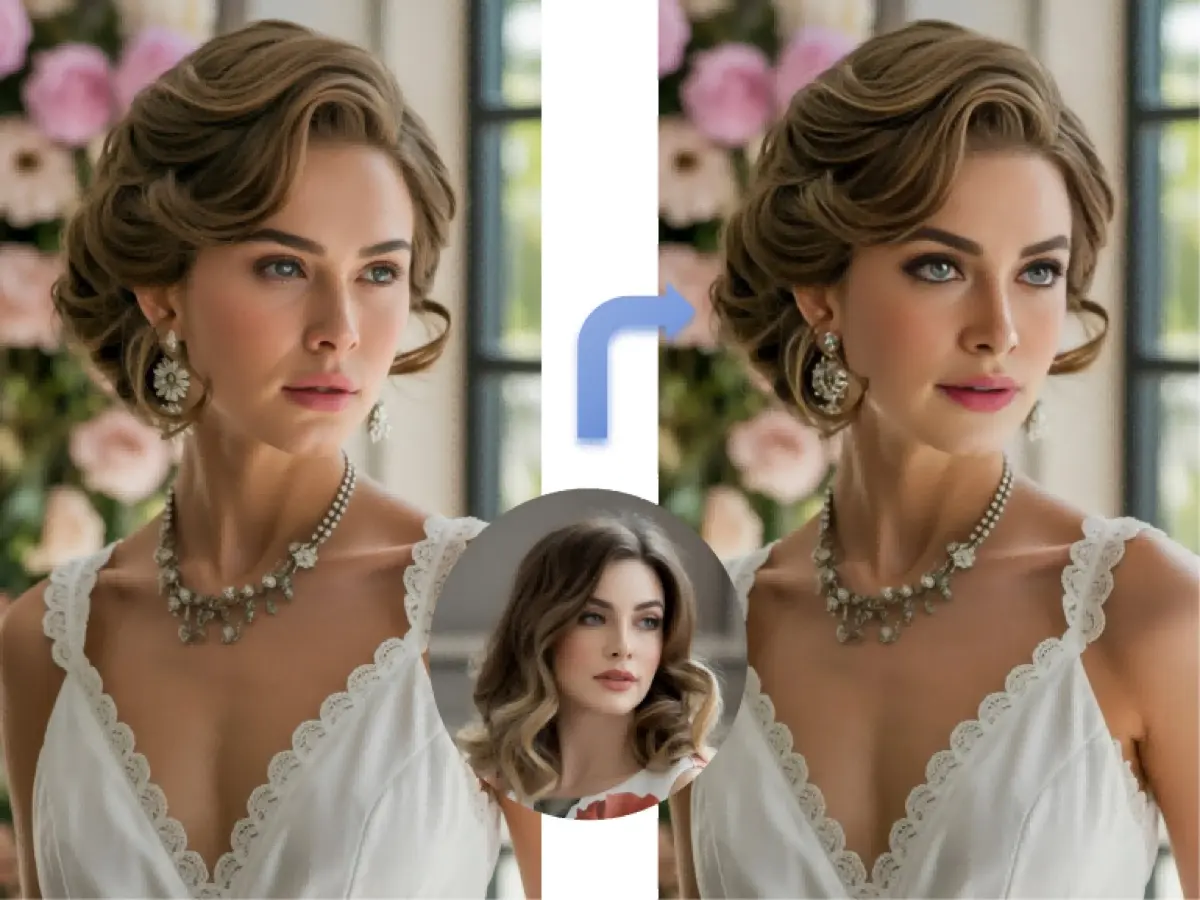
Video Face Swap
Swap faces in videos while keeping natural expressions, movement, lighting, and scene continuity.
VideoSwap AI
Swap faces and characters, animate images, and stylize videos with all-in-one AI video tools.
FAQ About Character Swap Video
Common questions about video character swap and full body character replacement.
Still have questions? hi@videoswap.app