Swap the video face with your face image
Clear image, even lighting, only 1 person in frame
Choose the video clip where you want to replace the face
Upload a character image and reference video to generate your own
AI Face Swap Video Online
Use AI technology to replace faces in any video, achieving high-quality face swap effects
Use AI technology to precisely replace faces in any video, achieving high-quality face swap effects that surpass traditional face swap technology.
- Upload your face image and reference video
- AI accurately identifies and replaces faces in the video
- Get professional face swap videos in minutes
How AI Video Face Swap Works
Replace any face in a video with 3 simple steps
Step 1: Upload Original Video
Step 2: Upload Face Image

Step 3: Get Face Swapped Video
Make Face Swap as Smooth as the Original
Want to do video face swap without installing software or learning editing? Just one clear face photo + one reference video to generate more natural and coherent AI face swap videos, perfect for short video creation, content remixing, and quick marketing material production.
Create More Realistic Face Swap Results
AI locates and replaces the target face in the video, keeping the generated results naturally connected during facial expression changes and movements, reducing the abrupt "sticker" effect.
No Installation, No Training Required
No need to download a client or prepare datasets or train models—simply upload your materials on the web page to start generating. You can trim your desired clips online, making it convenient and fast.
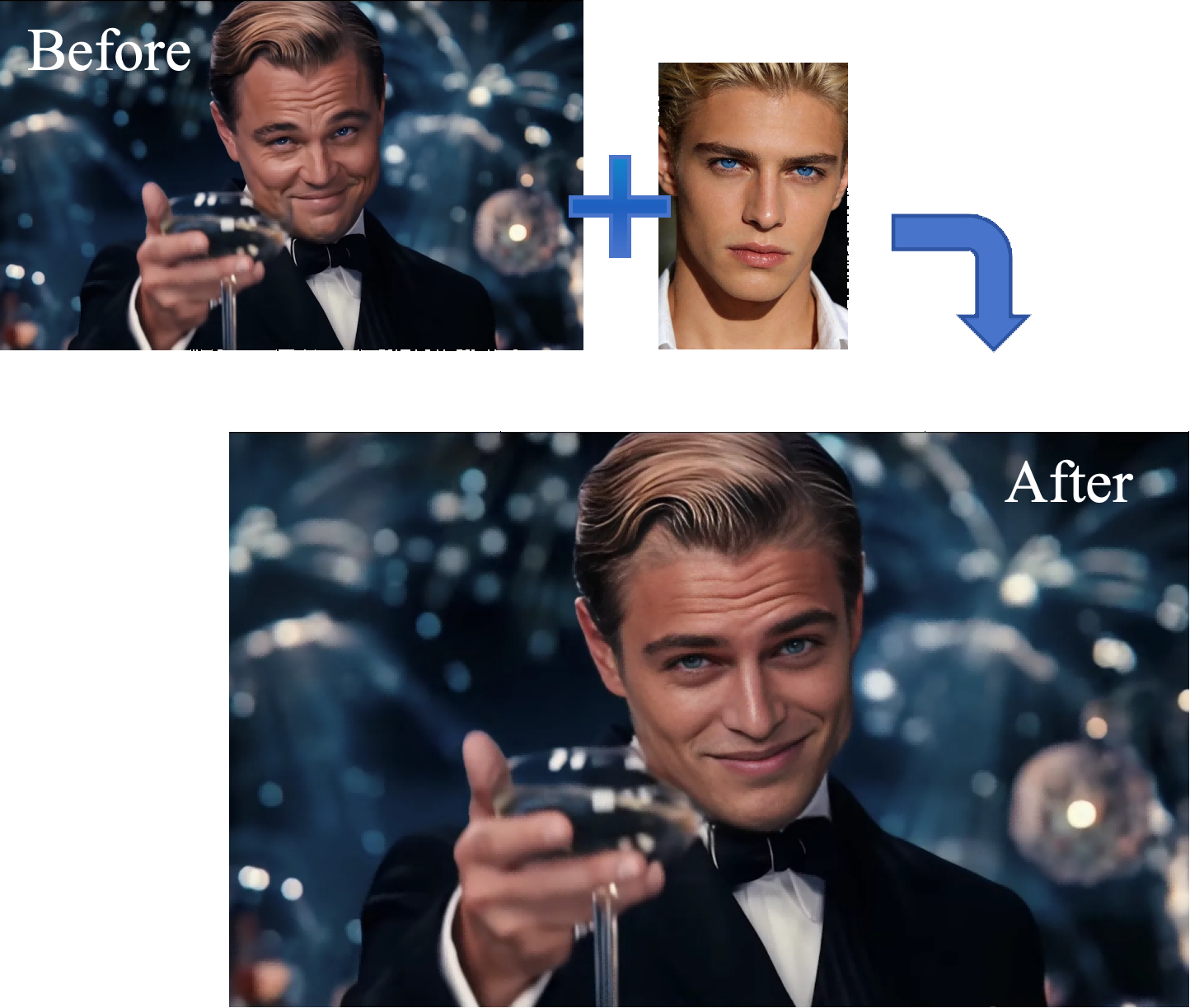
Face Swap Videos for Creators, Ads, and Entertainment
- Short Video Face Swap:Create plot twists, reversals, and meme content for Reels / TikTok / Shorts
- Ad Material A/B Versions:Quickly generate different facial versions of the same shot (note authorization and compliance)
- Creative Remixing:Replace faces in movie clips and classic scenes with your own/character faces for entertainment sharing
- Content Creator Avatar/Character Replacement:Create series content with a more unified character persona
Explore Related AI Tools
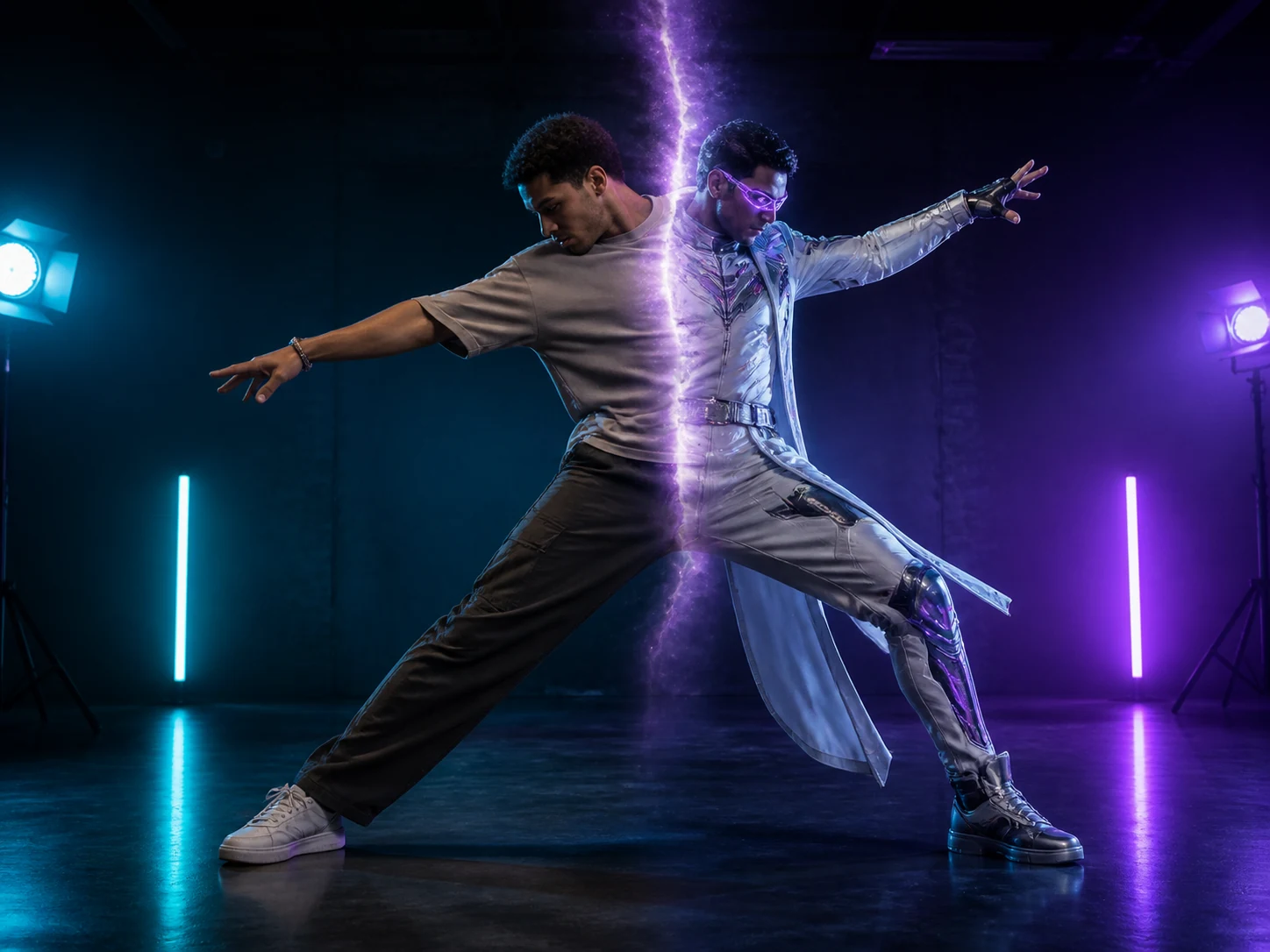
Character Swap
Replace an entire video character while preserving the original motion, expressions, scene, and camera quality.
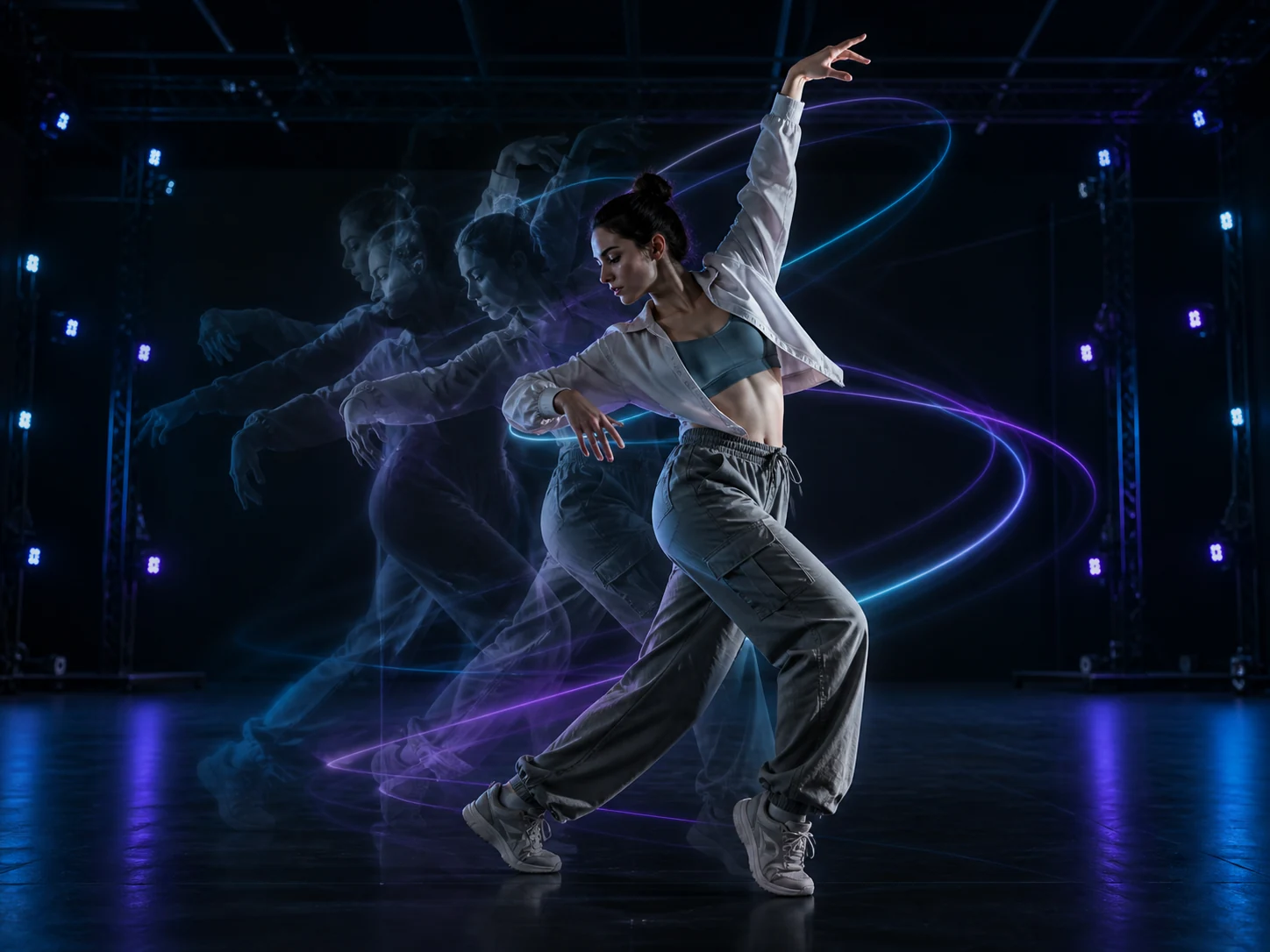
AI Motion Control
Animate a static character image with movement learned from a reference video.
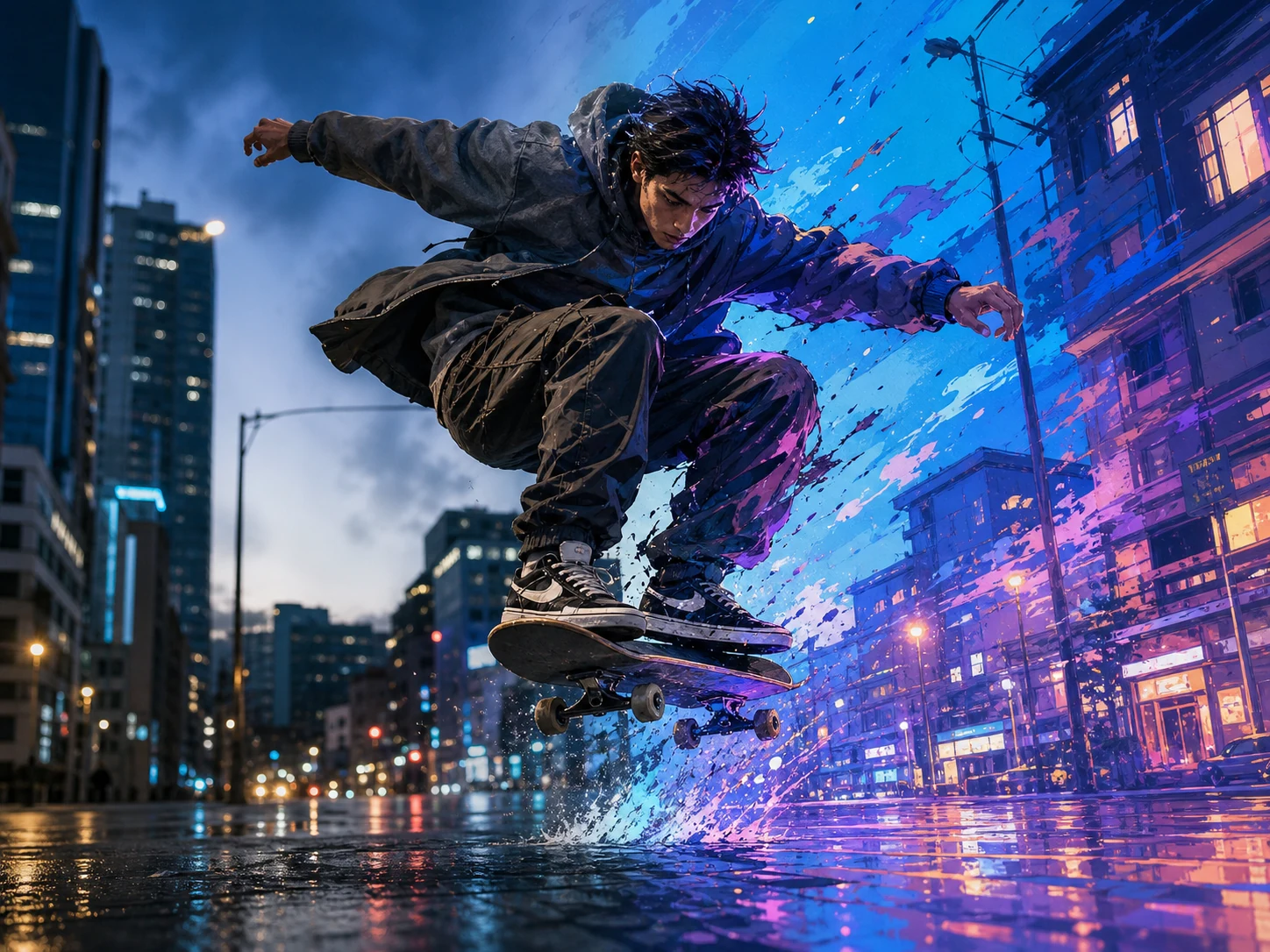
Video Style Transfer
Transform videos into anime, cinematic, artistic, or custom styles while preserving motion and timing.
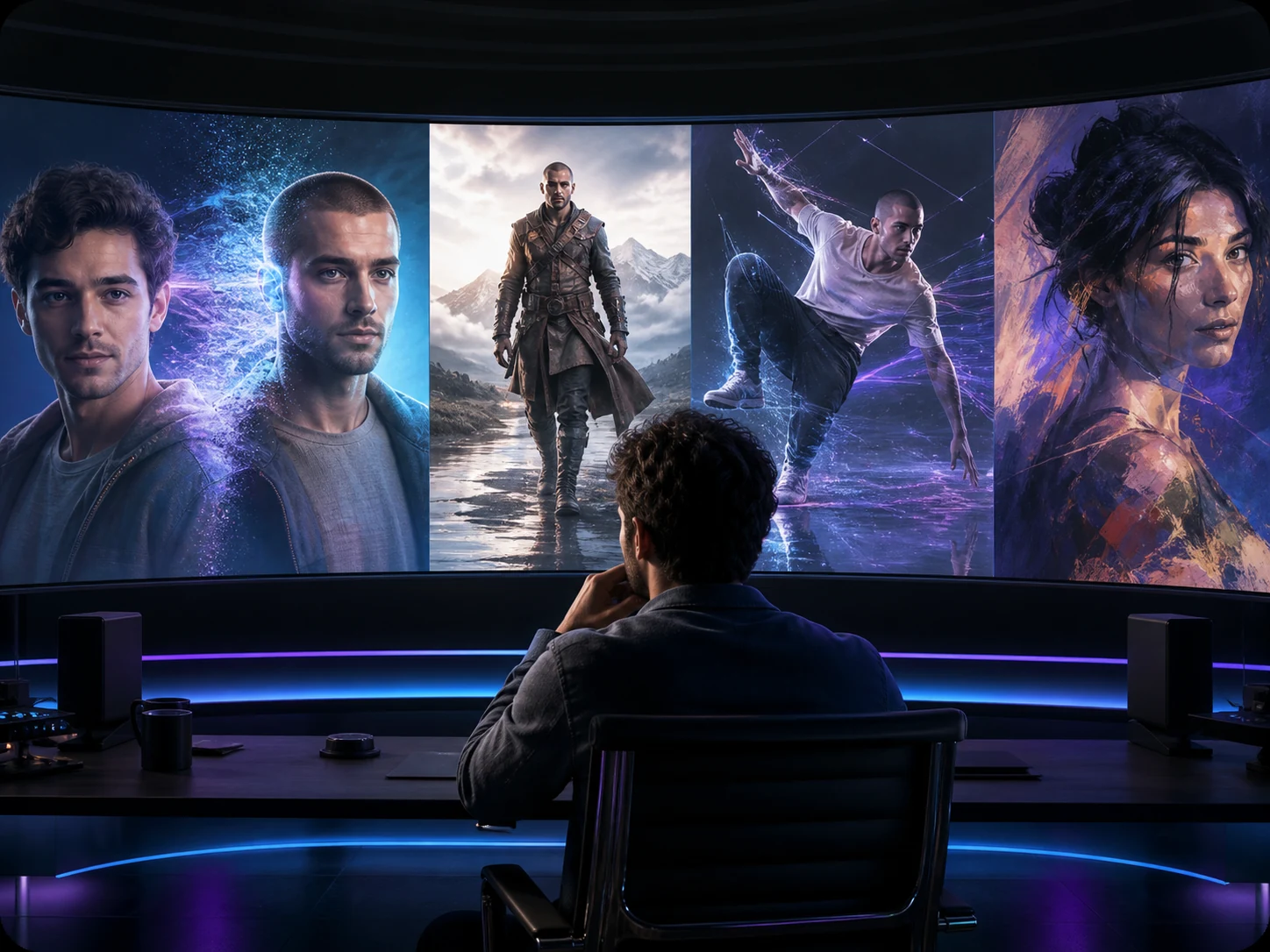
VideoSwap AI
Swap faces and characters, animate images, and stylize videos with all-in-one AI video tools.
FAQ About Video Face Swap
Common questions about video face swap
Still have questions? hi@videoswap.app