Transform ordinary videos into cinematic artistic styles, anime styles, or your custom visual effects with AI in one click. Upload reference images or freely input text prompts to intelligently stylize videos.
Describe the style you want. Leave empty to use default or selected style.
Choose the video you want to transform into artistic style
Upload a character image and reference video to generate your own
AI Video Style Transfer
Transform ordinary videos into cinematic artistic styles, anime styles, or your custom visual effects with AI in one click. Upload reference images or freely input text prompts to intelligently stylize videos.
Transform the entire visual style of your video while maintaining the original motion rhythm, scene details, and camera quality.
- Quick conversion with preset artistic styles
- Upload reference images for custom style effects
- Use text prompts to precisely describe desired styles
✨How It Works✨
Transform your video into artistic styles in 3 simple steps
Step 1: Upload Video
Step 2: Choose Style Method
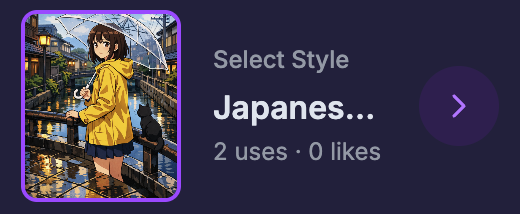
Choose Your Desired Style
Example: Japanese Anime Style
Upload Style Reference Image
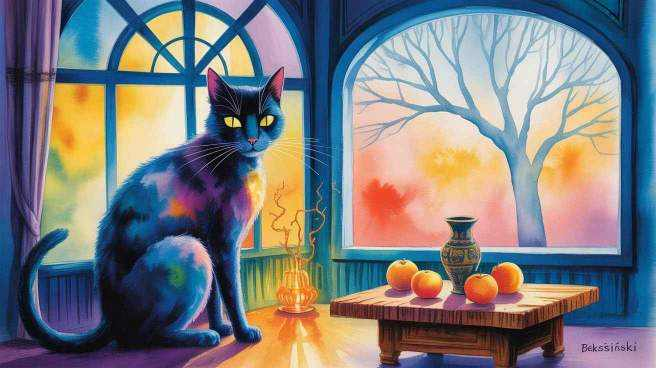
Enter Style Prompt
Example: Please convert my video to 3D Pixar style
Step 3: Get Stylized Video
Make Video Style Transfer as Smooth as the Original Motion
Want to stylize a video without flicker, jitter, or "frame-by-frame" inconsistency? With VideoSwap's AI video style transfer (video-to-video), you can turn any clip into anime, cinematic, cartoon, or custom styles using one reference image or a simple text prompt—while keeping the original motion and timing intact.
Stylize Videos Without Re-Editing Every Frame
Pick a preset look, upload a style reference image, or describe your target aesthetics with a prompt (e.g., "3D Pixar-style lighting, soft outlines, cinematic color grade"). No client install, no training, just upload and generate.
Consistent Looks Across the Whole Clip (Video-to-Video AI)
Unlike simple filters, video-to-video style transfer analyzes the video's elements and movement, then applies style-transfer changes in a way that keeps the result visually stable across frames.
Apply Anime, Cinematic, or Custom Styles
- Video to Anime: turn real-life footage into anime / manga / manhwa-style clips
- Cinematic Video Stylization: give UGC footage a film look for ads & reels
- Cartoonize a Video: create cartoon-style Shorts / TikTok / Reels without editing
- Music Video Visuals: generate consistent stylized scenes for transitions & hooks
- Creator Templates: reuse one style reference across multiple clips for a unified channel aesthetic
Explore Related AI Tools
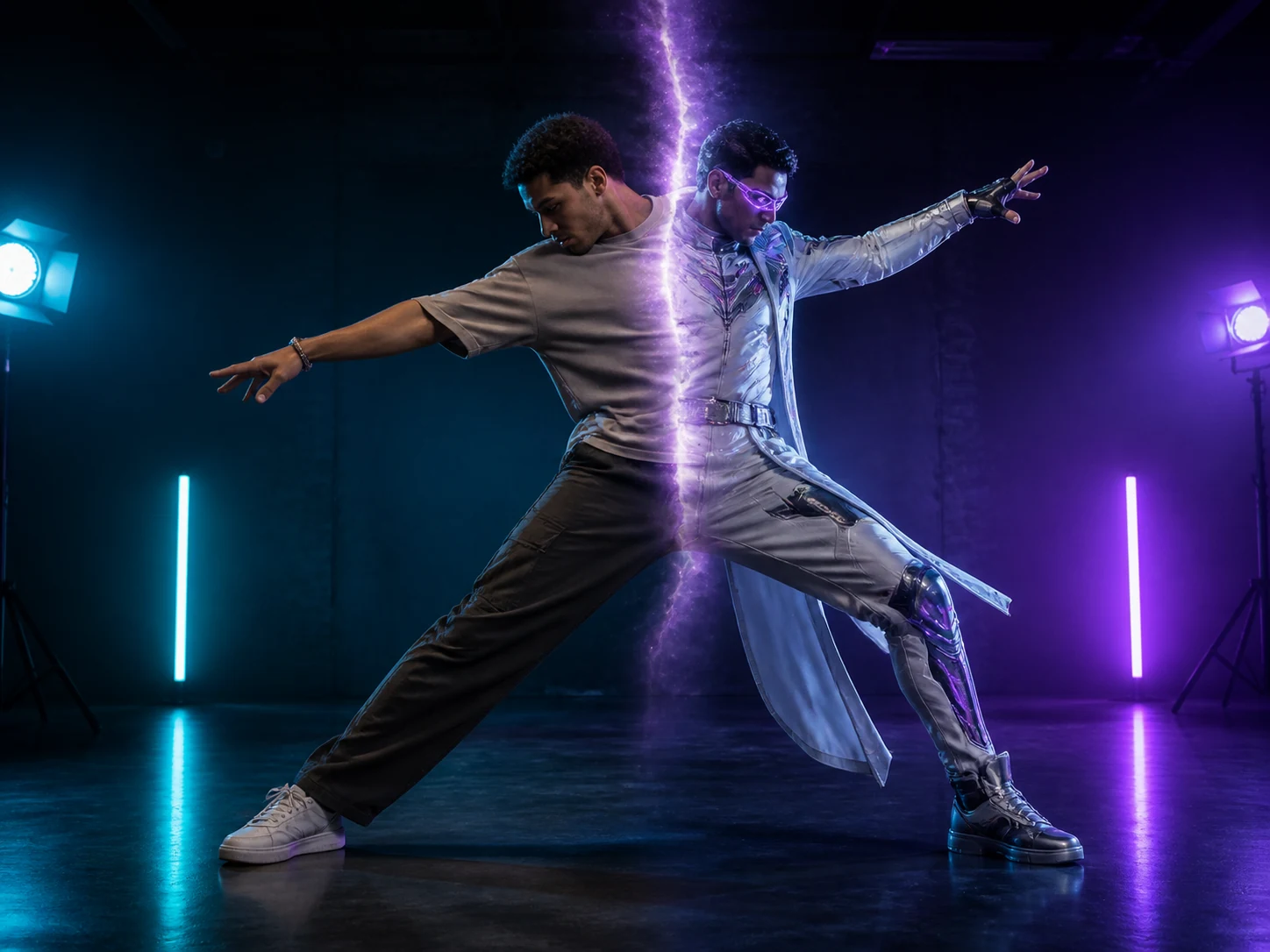
Character Swap
Replace an entire video character while preserving the original motion, expressions, scene, and camera quality.
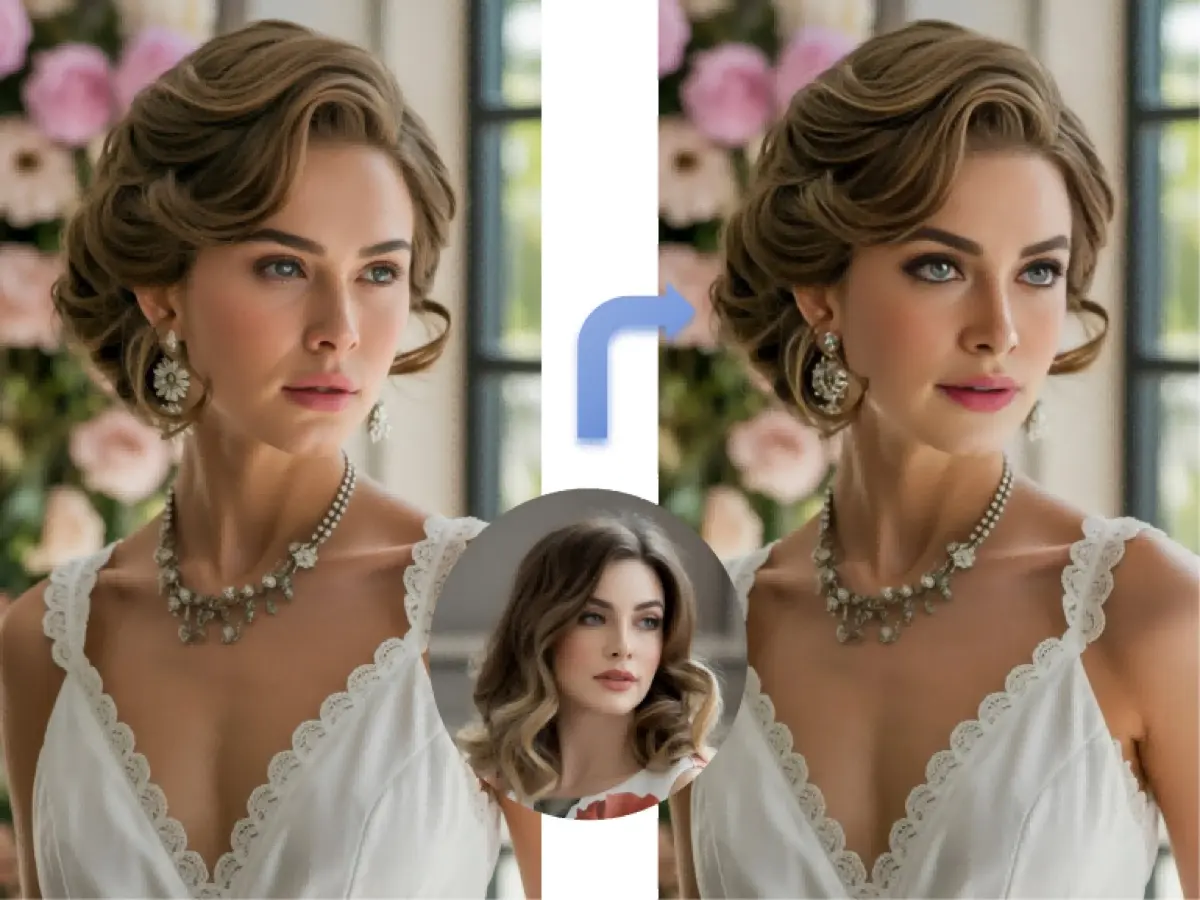
Video Face Swap
Swap faces in videos while keeping natural expressions, movement, lighting, and scene continuity.
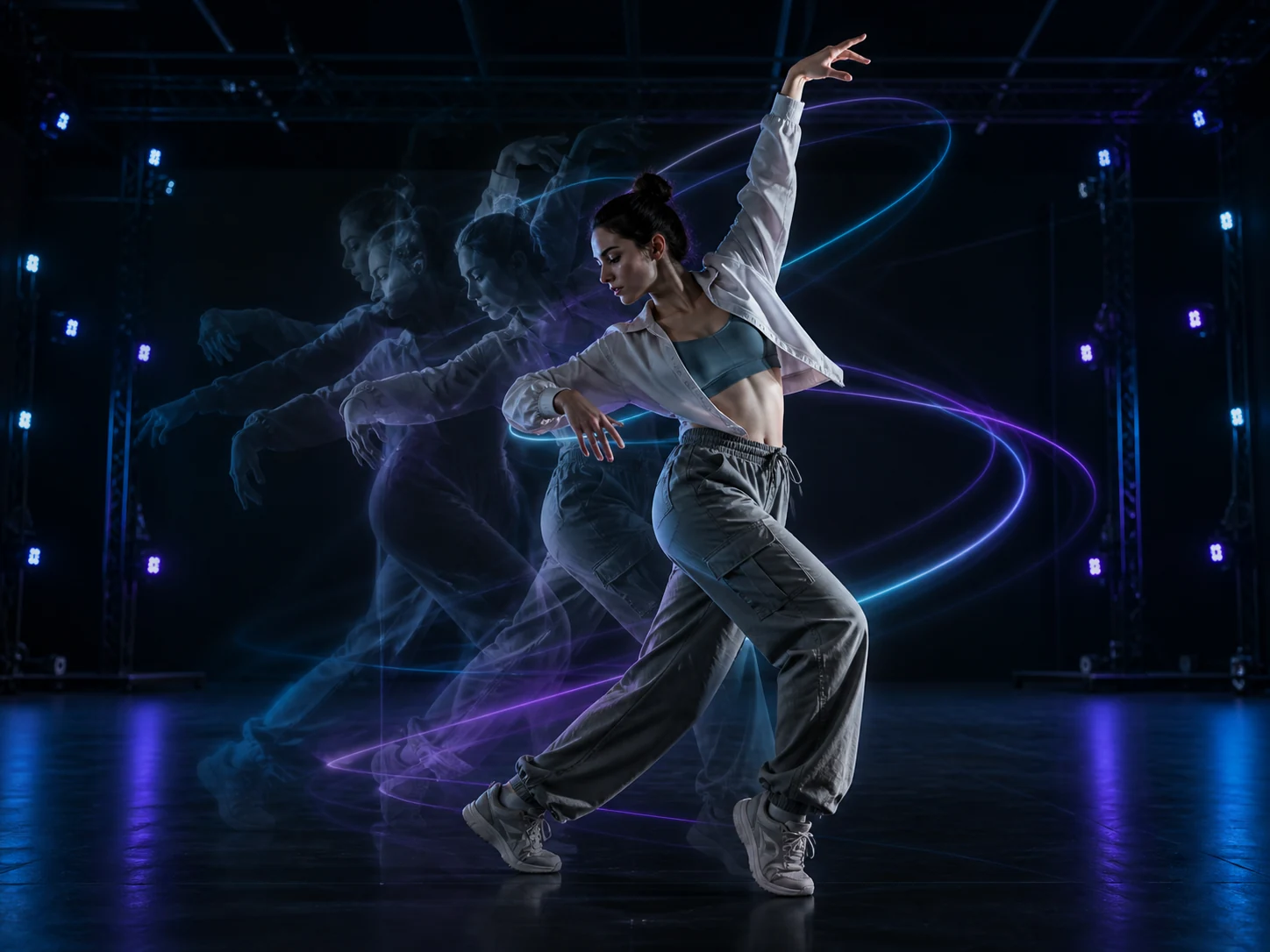
AI Motion Control
Animate a static character image with movement learned from a reference video.
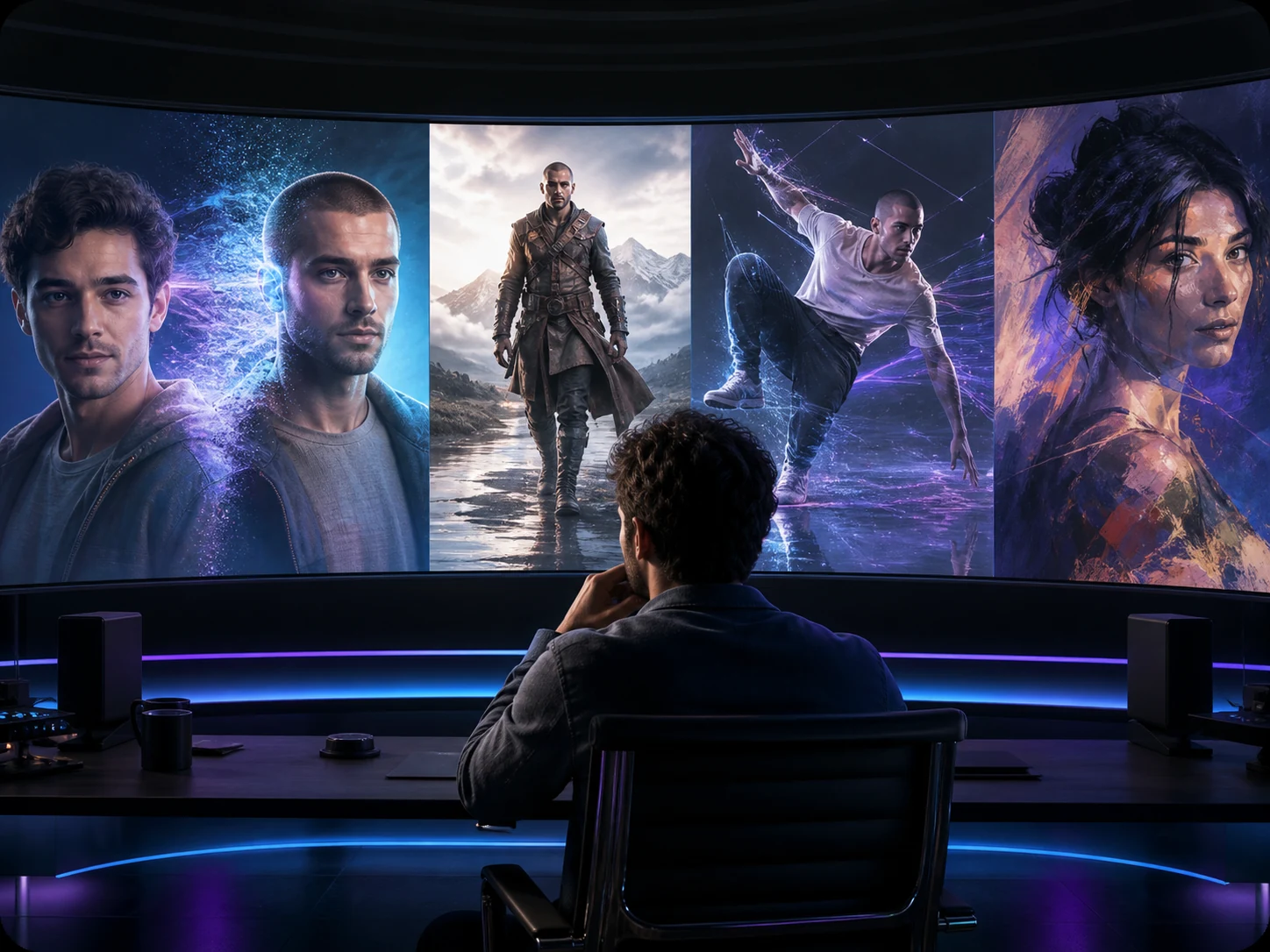
VideoSwap AI
Swap faces and characters, animate images, and stylize videos with all-in-one AI video tools.
FAQ — AI Video Style Transfer
Common questions about AI-powered video stylization and transformation.
Still have questions? hi@videoswap.app