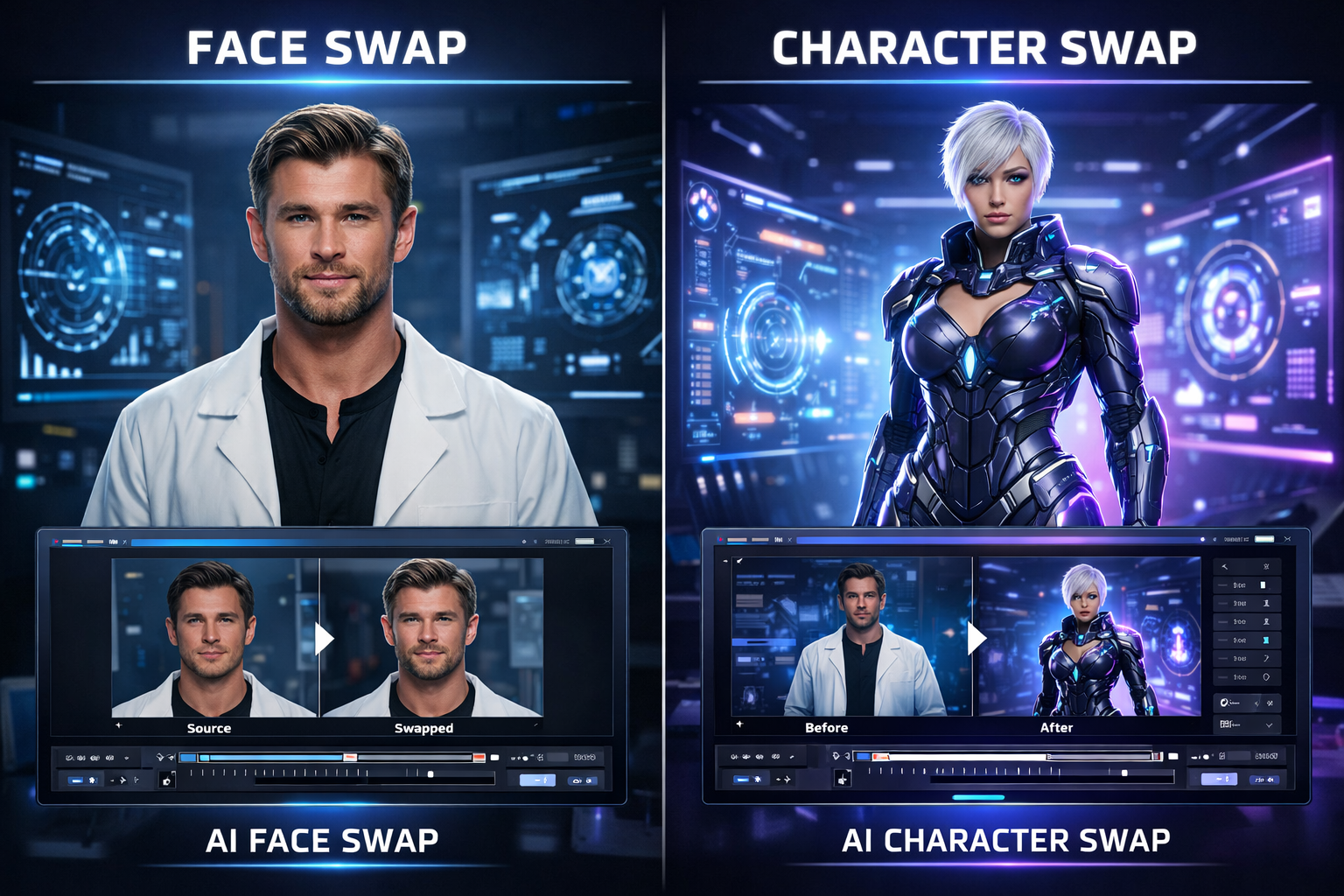
AI video editing has moved far beyond simple face replacement. Today, you can replace a character in a video with AI while keeping the original motion, timing, facial expressions, and overall scene feel. That is why “character swap video” is becoming a bigger search topic than basic face swap: creators, marketers, and storytellers want the whole person changed, not just the face. VideoSwap’s Character Swap page is built around exactly that idea, positioning the workflow as **full-body character replacement** that preserves motion rhythm, expression details, and camera quality instead of pasting a new face on top.
## 1.What does it mean to replace a character in a video with AI?
When people search “how to replace a character in a video with AI,” they usually do **not** mean a simple video face swap. A face swap mainly changes the face region. A true AI character replacement changes the visible identity of the person on screen more completely, including face, outfit, and overall body appearance, while keeping the original performance and scene intact.
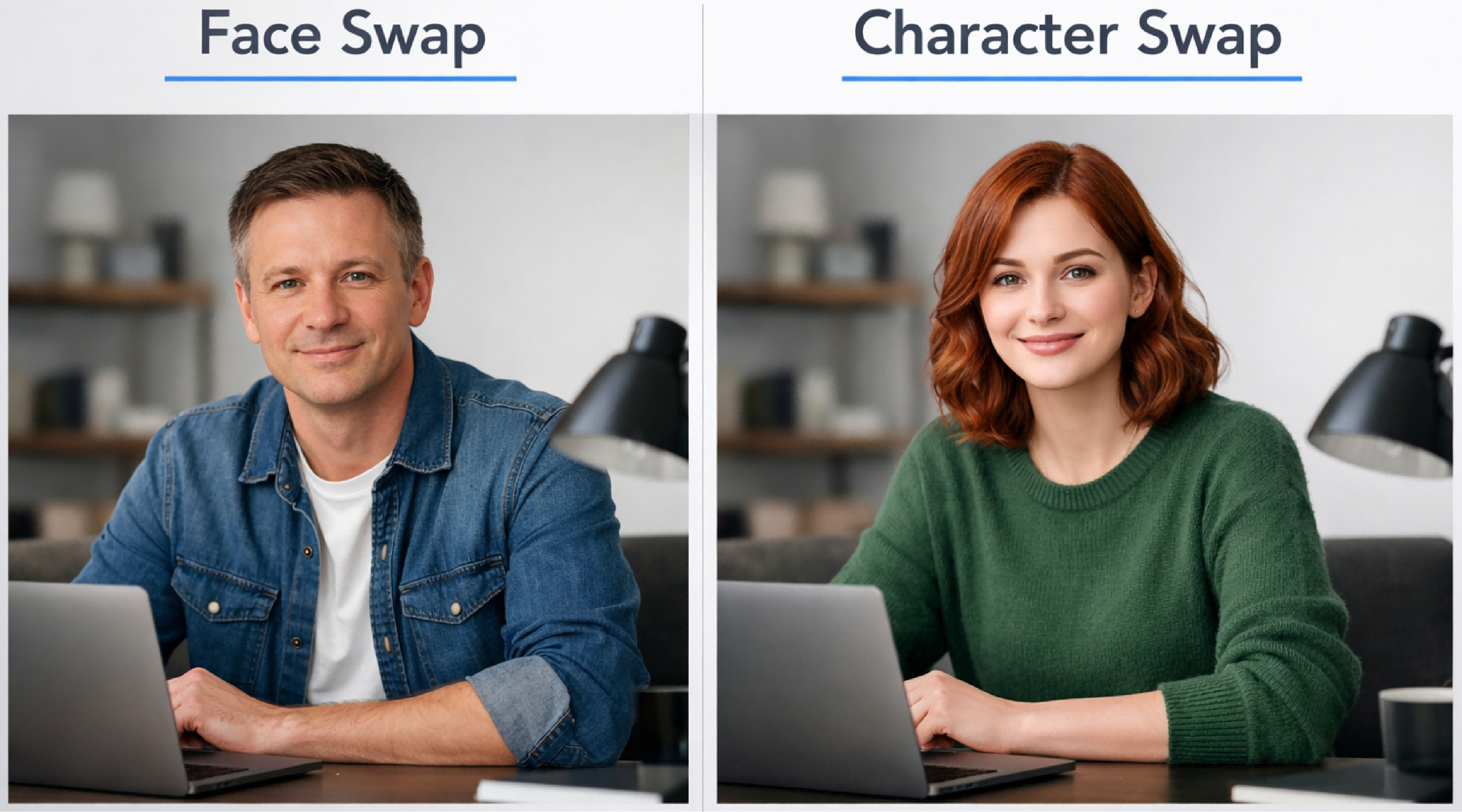
## 2.How AI character replacement works
Most modern character swap workflows are built on two core inputs: a **reference image** and a **reference video**. The reference image tells the AI what the new character should look like. The reference video tells the AI what motion, facial expression, framing, and timing to preserve. Runway’s guidance on character references explains that a single uploaded reference image can help the model maintain the same character across scenes, while InVideo’s tutorial describes the driver video as the anchor for the final result. The clearer the performance and framing, the more natural the output tends to look.
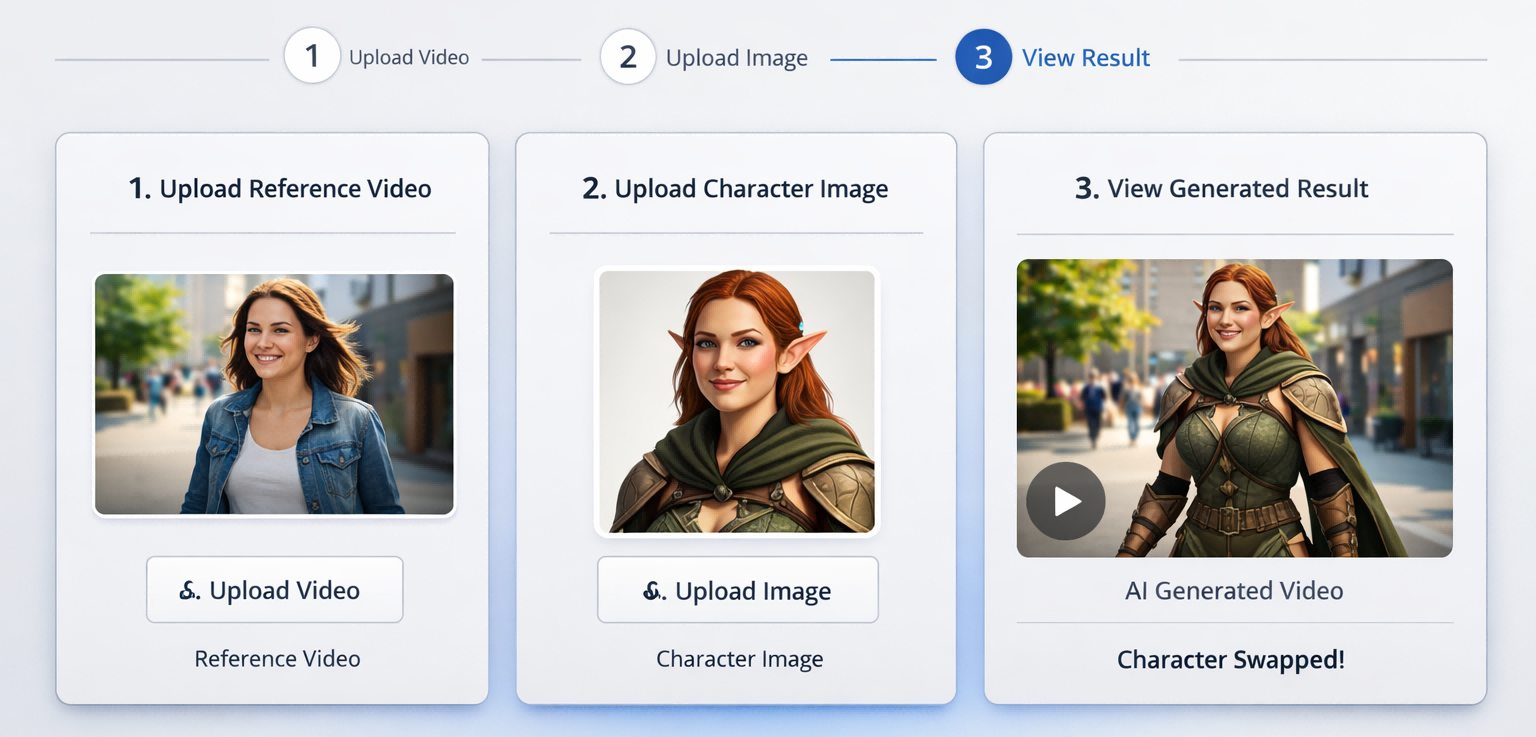
## 3.How to replace a character in a video with AI using VideoSwap
### Step 1: Upload your reference video
Choose a clip where the main subject is easy to see and the motion is clear. Short clips with stable framing, visible expressions, and minimal clutter usually work best. The goal is to give the AI a strong motion anchor, not a chaotic sequence full of unrelated actions.
### Step 2: Upload your character image
Use a sharp reference image of the new character you want in the shot. Good lighting, a clear face, and a single visible subject make it easier for the AI to map identity consistently. Character-reference guides also show that image quality matters because the system uses that photo as the visual template for future frames.
### Step 3: Choose quality and generate
Once both assets are uploaded, generate the swapped video. If speed matters more, start with 480p. If you are creating an ad, branded social video, or portfolio piece, 720p will usually be the better choice. VideoSwap’s workflow is designed to deliver the result in minutes, which makes it useful for testing multiple creative variations without rebuilding the scene from scratch.
## 4.Tips for getting better AI character swap results
If you want realistic output, input quality matters. Your landing page already points users toward a clear image, even lighting, and a single person in frame. Other current guides reinforce the same advice and add a few useful details: avoid multi-face shots when possible, keep the face unobstructed in the first frames, avoid props that confuse body geometry, and try to keep the color palette of the reference image reasonably close to the source video. Sudden turns, heavy occlusion, and very mismatched body proportions can reduce realism.
## 5.Best use cases for AI character replacement
This is not just a novelty effect. VideoSwap’s own page already highlights several strong commercial and creator use cases: TikTok, Reels, and Shorts; ad actor replacement for localization or A/B testing; mascots, anime, or cartoon characters placed into real footage; recurring creator personas; and educational or historical reenactment content. Those use cases line up closely with what other creators are publishing right now: replacing a performer without a reshoot saves time, protects the original camera feel, and makes it easier to generate multiple versions of the same concept.
## **6.Conclusion**
If your goal is to replace a character in a video with AI, the best results usually come from a simple formula: one clean character image, one clear reference video, and a tool that preserves the original motion instead of rebuilding the performance from scratch. That is exactly the positioning advantage of VideoSwap’s Character Swap page. It is not selling a basic face swap. It is selling a faster way to create **full-body AI character replacement videos** that still feel like the original shot.
If you want to try it yourself, start with a short, well-lit clip and a clean reference photo, then use [**VideoSwap’s AI Character Replacement tool**](https://www.videoswap.app/character-swap) to generate your first character swap video.
How to Replace a Person or Character in a Video with AI
March 27, 2026
Featured Post
Learn how to replace a character or persion in a video using a image and a reference clip. Follow simple steps, and get better character swap results.
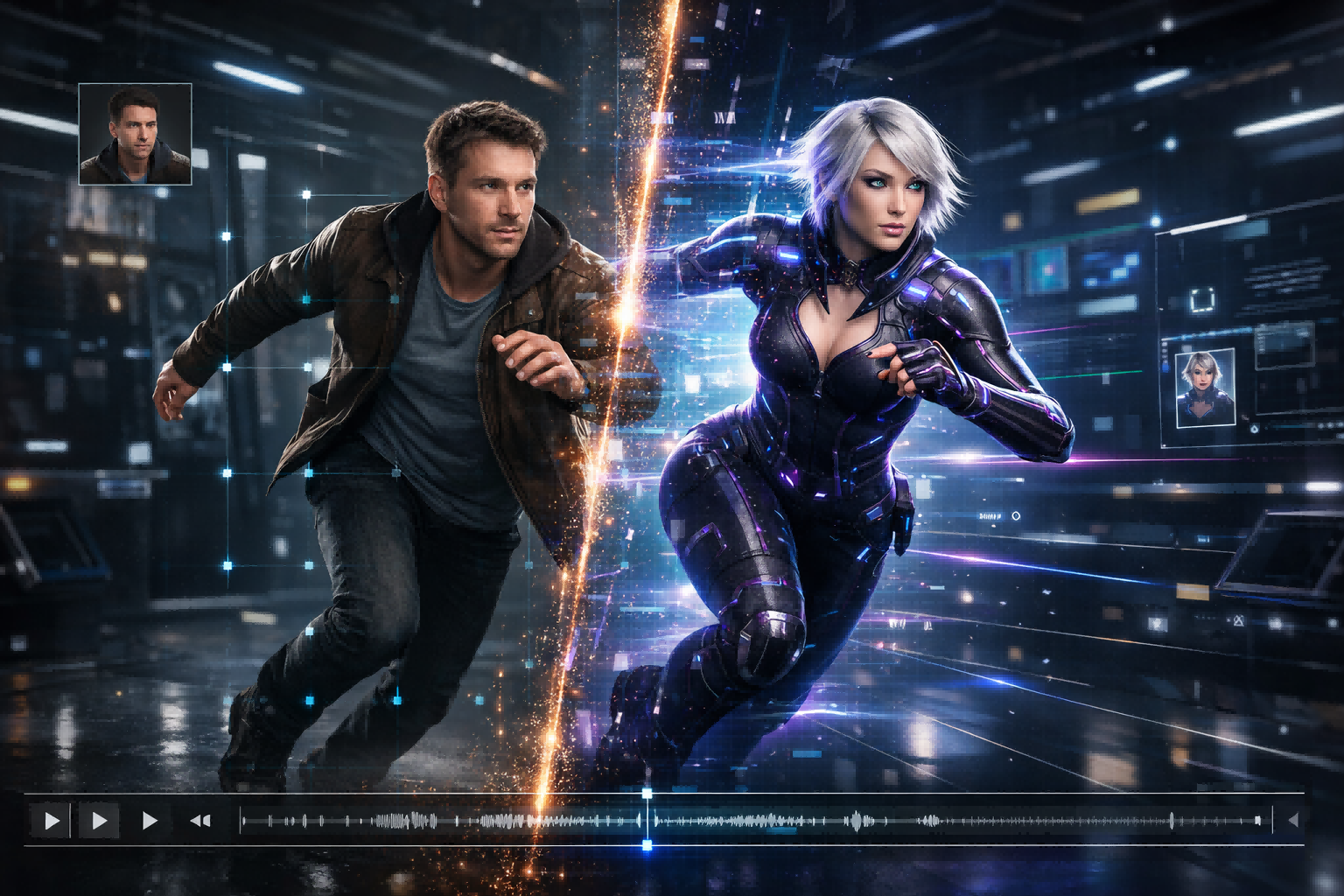
character swap
Related Posts
Public
Mar 15, 2026
Character Swap vs Motion Control vs Style Transfer: Which AI Video Tool Do You Need?
Compare AI character swap, motion control, and video style transfer to find the right AI video tool for ads, creators, animation, and branded content. Learn what each tool does, when to use it, and how VideoSwap helps you create consistent, high-quality AI videos faster.
Public
Mar 12, 2026
Face Swap vs Character Swap: What's the Difference for AI Video?
Compare face swap vs character swap for AI video. Learn which tool fits memes, ads, creator content, and full-body recasting with VideoSwap's online face swap and character swap tools.