Face swapping used to mean desktop editing, manual masking, and a lot of trial and error. Today, a much simpler workflow exists: upload a source video, upload one clear face image, and let AI handle the replacement online. That is exactly how VideoSwap's video face swap page is designed. The page asks for a face image and a reference video, then generates a new result clip in the browser. For readers, that makes the topic easy to understand and highly searchable. Most strong articles in this niche follow a simple structure: explain what AI video face swap is, show the step-by-step workflow, share a few quality tips, and answer safety and commercial-use questions. This draft follows that same pattern while keeping VideoSwap at the center of the story.
## **1.What Is AI Video Face Swap?**
AI video face swap is a workflow that replaces the face in a source clip with the face from a separate uploaded image while trying to preserve the original motion, expressions, and continuity of the shot. On VideoSwap, the tool is described as an online AI face swap video tool that keeps the original performance and motion while generating a new clip with the swapped face. That positioning is helpful because it explains the value in one sentence: fast browser-based face replacement without a complicated editing workflow.
This is also why video face swap is more demanding than photo face swap. A still image only has to look convincing once. A video needs to stay coherent frame after frame, especially during head turns, changing expressions, and movement. That is why good source materials matter so much.
## **2. How to Swap Faces in a Video Online with VideoSwap**
The easiest way to explain the workflow is to mirror the product page itself. VideoSwap already frames the tool in three simple steps, which is perfect for a reader-focused how-to article.
- Step 1: Open the [VideoSwap](https://www.videoswap.app/video-face-swap) video face swap page in your browser.
- Step 2: Upload a clear face image. The best results usually come from a sharp, front-facing photo with even lighting and only one person in frame.
- Step 3: Upload the reference video where you want to replace the face.
- Step 4: Generate the result and review the final clip.
- Step 5: If needed, retry with a clearer face image or a shorter clip for better stability.
## **3.Tips for More Realistic Results**
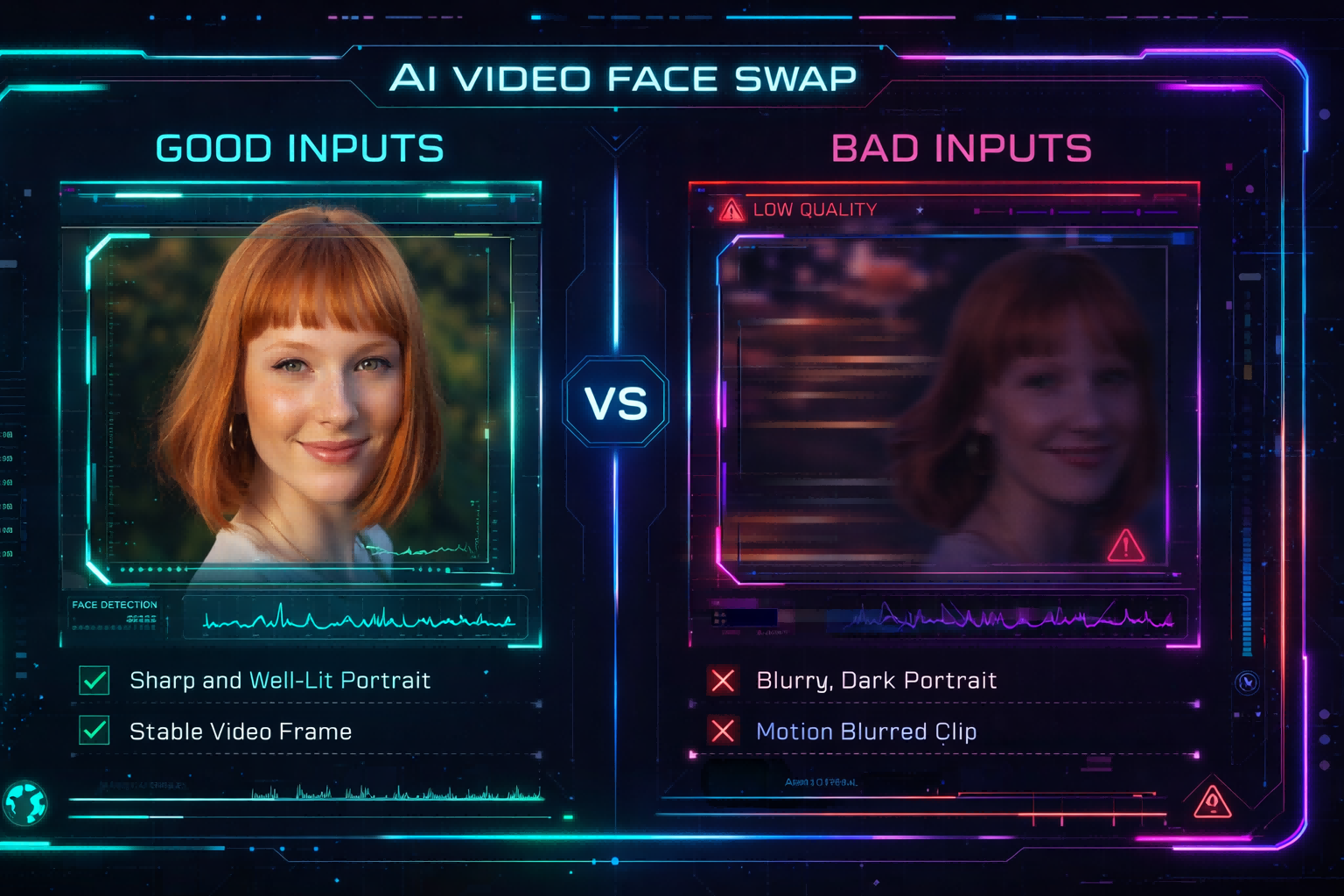
The biggest quality gains usually come from better inputs, not from extra complexity.
- Use a high-resolution face photo with even lighting.
- Avoid sunglasses, masks, hair covering the face, or strong shadows.
- Start with a short, simple video clip before testing longer footage.
- Choose shots where the target face stays visible and fairly large in frame.
- If the result looks off, swap in a different source photo and try again.
A simple line that works well is this: the cleaner the face photo and the simpler the source video, the more natural the final face swap tends to look.
## **4.Common Mistakes to Avoid**
If a face swap result looks unnatural, the reason is usually straightforward. The face image may be blurry, the source clip may be too long or too complex, the target face may be too small in the frame, or the lighting between the source image and source video may be too different. VideoSwap even includes a dedicated FAQ section for wrong-looking outputs, which is useful because it turns a likely objection into a trust-building troubleshooting moment.
- Blurry or filtered face images.
- Long videos with fast motion and frequent cuts.
- Extreme head turns or heavy face occlusion.
- Dark footage where the face is hard to see.
- Using content without proper rights or consent.
## **5.Is It Safe and Legal to Use?**
Use face swap responsibly. Only upload content you own or have permission to use, and avoid misleading, harmful, or deceptive use.
## **6.Conclusion**
If you want to swap faces in a video online, the best workflow is the simplest one: upload one clear face image, upload one clean source clip, and let AI do the replacement in the browser. That is exactly how VideoSwap is designed, and it closely matches the core capability described by the xrunda/hello model on Replicate. For users, the benefit is speed. For your blog, the benefit is clarity. The article can educate readers, answer common objections, and naturally lead them to the VideoSwap feature page to try it themselves.
Link: [video face swap](https://www.videoswap.app/video-face-swap)
How to Swap Faces in a Video Online: A Step-by-Step Guide
March 12, 2026
Featured Post
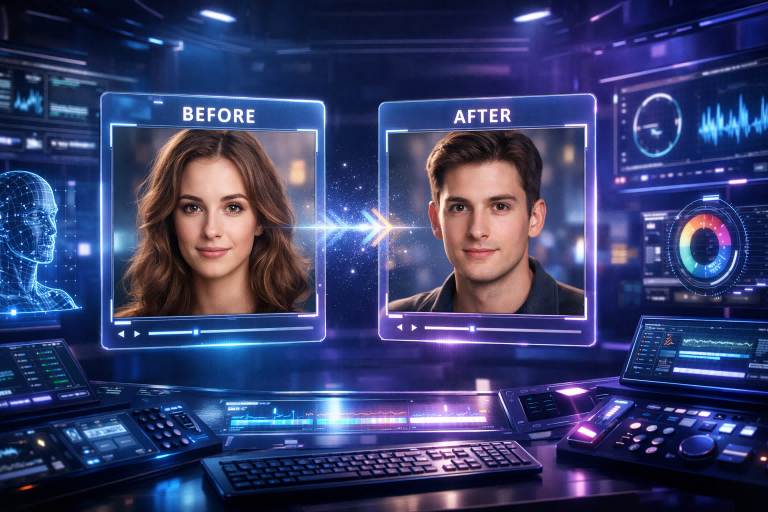
Learn how to swap faces in a video online with VideoSwap. This step-by-step guide covers the best face photos, source clips, realism tips, common mistakes.
video face swap
Related Posts

Public
Mar 15, 2026
Best AI Video Face Swap Tools in 2026: Hands-On Comparison
Compare the best AI video face swap tools in 2026, including VideoSwap, Magic Hour, AKOOL, FaceFusion, and PixelFox. Learn which tool is best for creators, marketers, agencies, and privacy-first users.
Public
Mar 13, 2026
Why Your Video Face Swap Looks Fake: 10 Common Mistakes and Fixes
Why does your video face swap look fake? Learn 10 common mistakes and fixes for more realistic AI video face swap results online with Video Swap.
Public
Mar 12, 2026
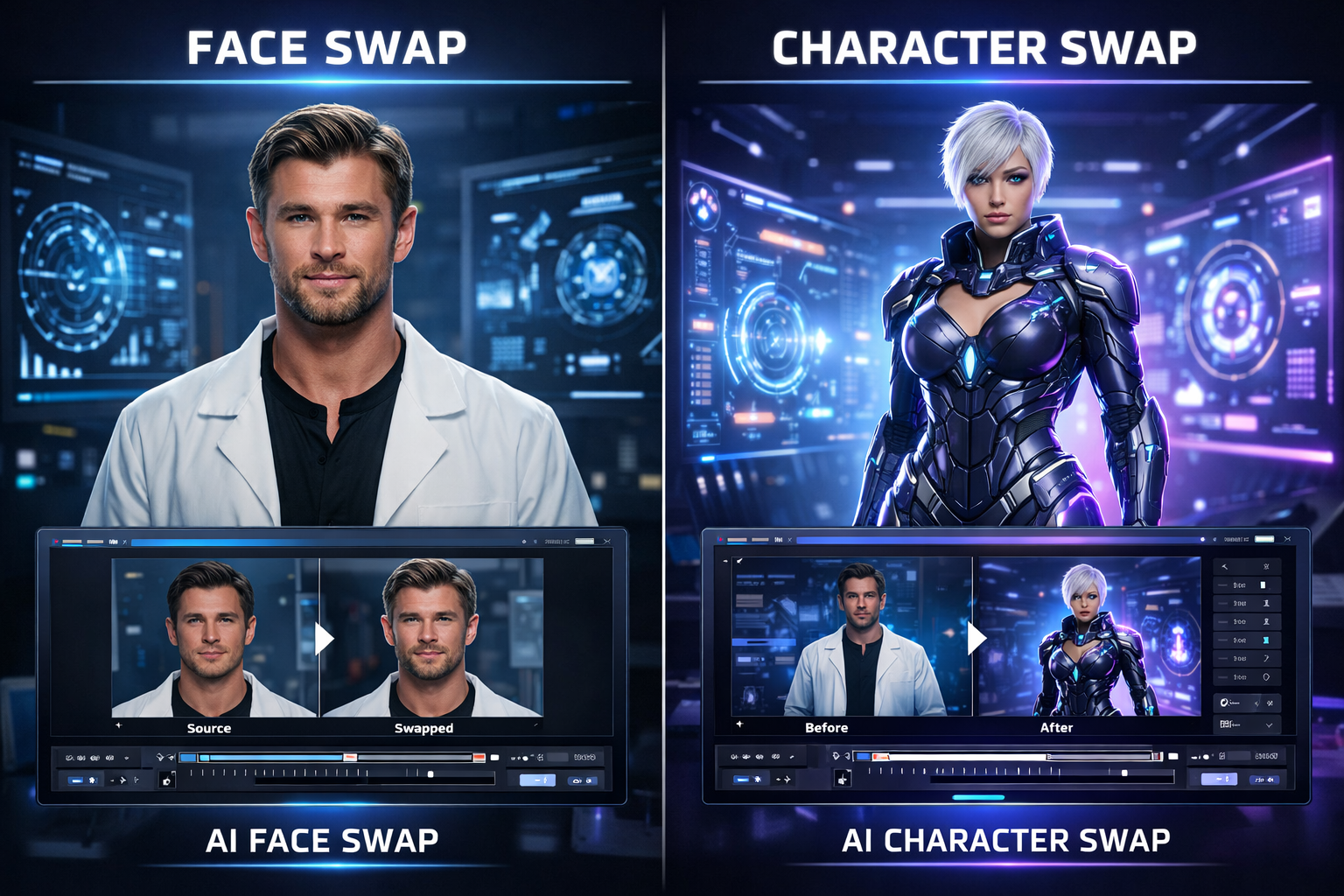
Face Swap vs Character Swap: What's the Difference for AI Video?
Compare face swap vs character swap for AI video. Learn which tool fits memes, ads, creator content, and full-body recasting with VideoSwap's online face swap and character swap tools.