AI video tools are getting better fast, but many creators still ask the same question: **Do I need character swap, motion control, or style transfer?** The confusion makes sense, because these tools can all change how a video looks, but they solve very different problems.
On [VideoSwap](https://www.videoswap.app/), those three workflows are clearly separated: **Character Swap** replaces the person on screen while preserving the original performance and scene, **AI Motion Control** animates a static image using reference motion, and **Video Style Transfer** restyles an existing clip while keeping the original motion and timing. The homepage positions them as part of one all-in-one workflow for face swap, character replacement, motion transfer, and stylized video creation.
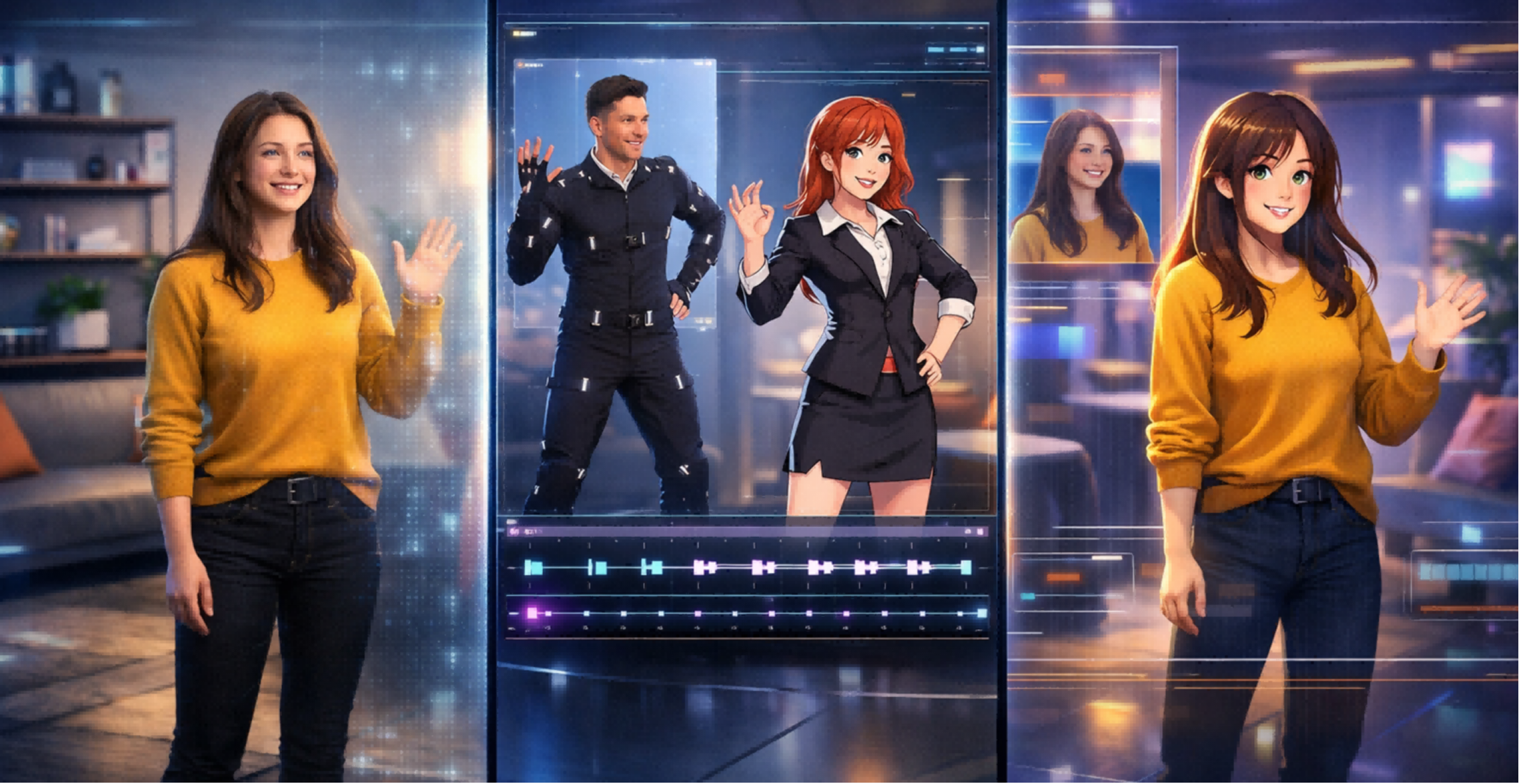
## 1.What Is Character Swap in AI Video?
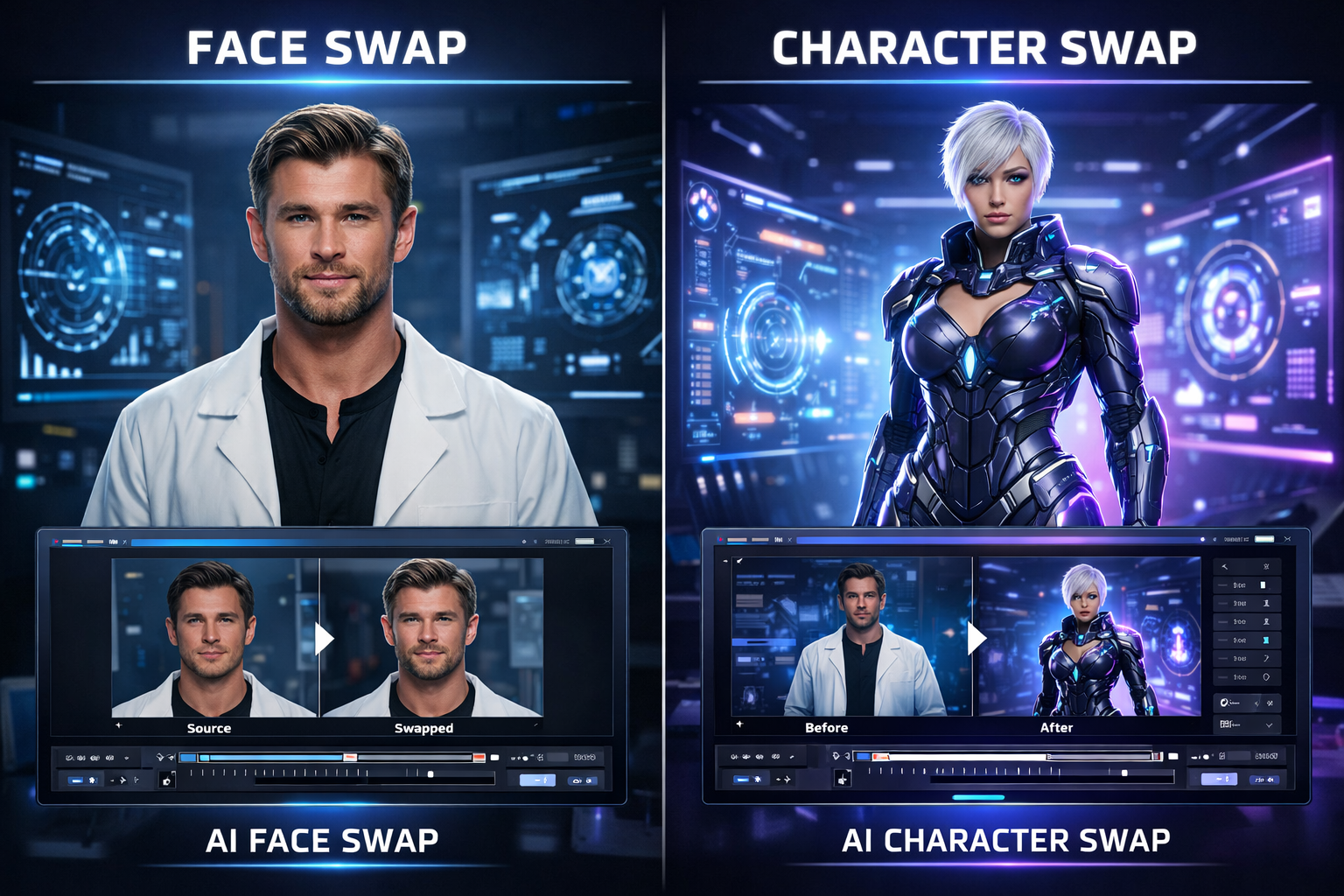
Character swap is the right tool when you want to **keep the shot and performance, but change who appears on screen**. VideoSwap describes this as full-body character replacement, not just face swap. Its character-swap page says the system preserves the original video’s motion rhythm, expression details, and camera quality while replacing the entire character appearance. It also distinguishes character swap from face swap by emphasizing full identity replacement: face, clothing, and overall body look.
That makes character swap especially useful for **ad localization, creator series, mascot videos, and recasting-style edits**. Use character swap when the question is: **“I like this video, but I need a different person or character in it.”**
## 2.What Is AI Motion Control?
Motion control is different because it starts with a **still image**, not an existing finished performance you want to preserve. On VideoSwap’s AI Motion Control page, the workflow is image plus reference video: the system analyzes motion and expressions in the reference clip and transfers them to the uploaded character image to generate animation. VideoSwap describes it as turning static images into controllable dynamic videos and notes that it works best when the framing of the input image matches the framing of the reference clip.
Use motion control when the question is: **“I have a character image, illustration, or mascot, and I want it to perform like a real actor.”**
## 3.What Is Video Style Transfer?
Style transfer is the best choice when your goal is **not to change the subject, but to change the visual language of the clip**. VideoSwap’s style-transfer page says users can turn ordinary footage into anime, cinematic, cartoon, or custom styles with a preset, a reference image, or a text prompt, while maintaining the original motion rhythm, scene details, and camera quality. It also supports keeping the original audio if needed.
Use style transfer when the question is: **“I want the same clip, but with a completely different aesthetic.”** Think anime reels, cinematic UGC ads, cartoon Shorts, or a unified visual look across a content series.
## **4**.Character Swap vs Motion Control vs Style Transfer: The Fastest Way to Choose
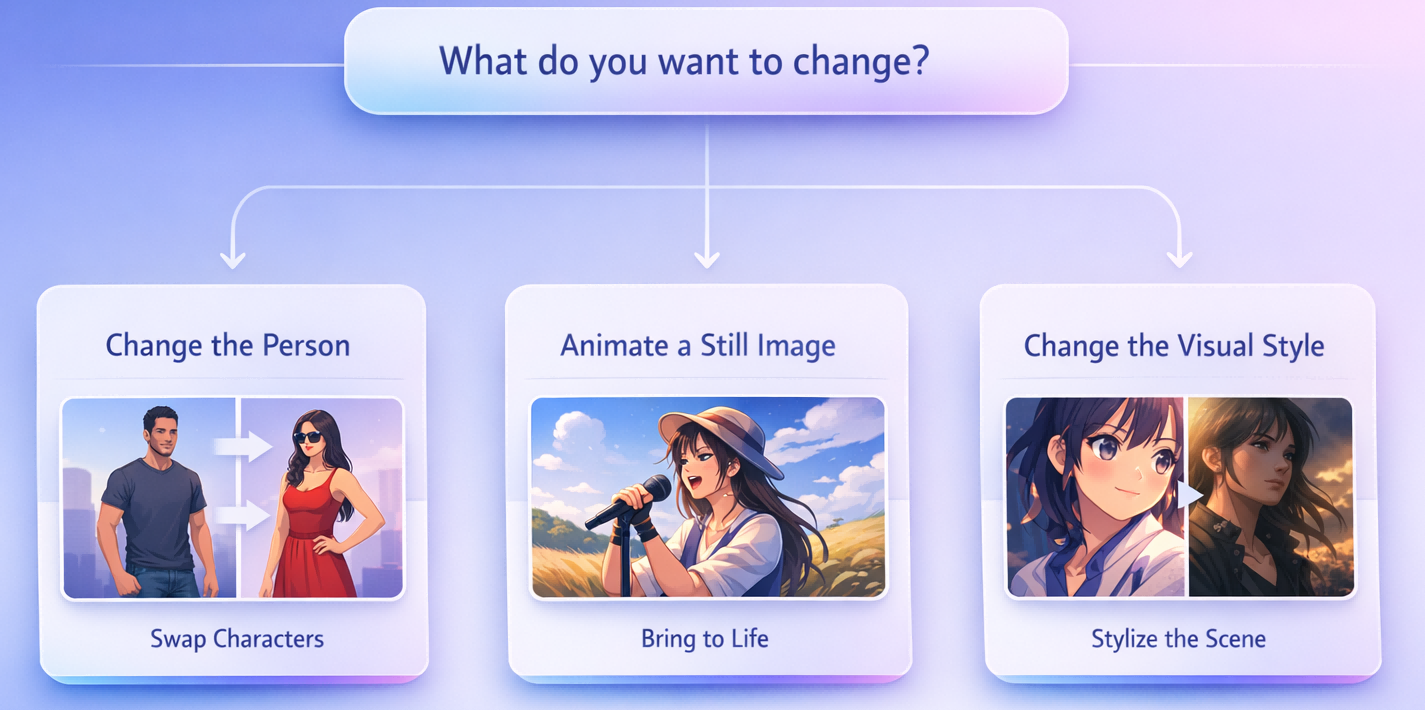
Here is the simplest way to decide:
If you want to **change the person**, use [**Character Swap**](https://www.videoswap.app/character-swap).\
If you want to **animate a still image**, use [**Motion Control**](https://www.videoswap.app/ai-motion-control).\
If you want to **change the look of a clip**, use [**Style Transfer**](https://www.videoswap.app/video-style-transfer).
## 5.Why an All-in-One Tool Matters for Creators and Marketing Teams
Many teams do not need just one of these tools. A brand might use character swap for localized ad variants, motion control for mascot animation, and style transfer for a consistent channel look. VideoSwap’s homepage is strong here because it brings those workflows into one product: face swap, character replacement, motion control, and style transfer, with HD generation, commercial-use plans, and creator-focused use cases across short-form content, ads, and branded series.
## 6.Which AI Video Tool Should You Use First?
If you are a creator or marketer choosing one place to start, begin with the problem you are solving:
Choose **Character Swap** for recasting, localization, and persona variants.\
Choose **Motion Control** for bringing still characters or mascots to life.\
Choose **Style Transfer** for anime, cinematic, cartoon, or branded visual consistency.
If you want all three in one workflow, VideoSwap is built for exactly that: an all-in-one AI video platform for character replace, motion-guided animation, and flicker-resistant video stylization.
Link: [**Character Swap Tool**](https://www.videoswap.app/character-swap)**|[Motion Control Tool](https://www.videoswap.app/ai-motion-control) | [Style Transfer Tool](https://www.videoswap.app/video-style-transfer)**
Character Swap vs Motion Control vs Style Transfer: Which AI Video Tool Do You Need?
March 15, 2026
Compare AI character swap, motion control, and video style transfer to find the right AI video tool for ads, creators, animation, and branded content. Learn what each tool does, when to use it, and how VideoSwap helps you create consistent, high-quality AI videos faster.
character swap
ai motion control
video style transfer
Related Posts
Public
Mar 27, 2026
How to Replace a Person or Character in a Video with AI
Learn how to replace a character or persion in a video using a image and a reference clip. Follow simple steps, and get better character swap results.
Public
Mar 12, 2026
Face Swap vs Character Swap: What's the Difference for AI Video?
Compare face swap vs character swap for AI video. Learn which tool fits memes, ads, creator content, and full-body recasting with VideoSwap's online face swap and character swap tools.