AI video face swap tools are no longer just meme generators. In 2026, they sit across a wide range of real workflows: short-form content, ad localization, creator avatars, virtual hosts, and fast concept testing. The problem is that “best” depends on what you need. Some tools focus on quick browser-based swapping, some lean into enterprise workflows and APIs, and some prioritize local control for privacy-minded users. That is why most useful comparison posts now look at trade-offs instead of pretending one tool wins every category.
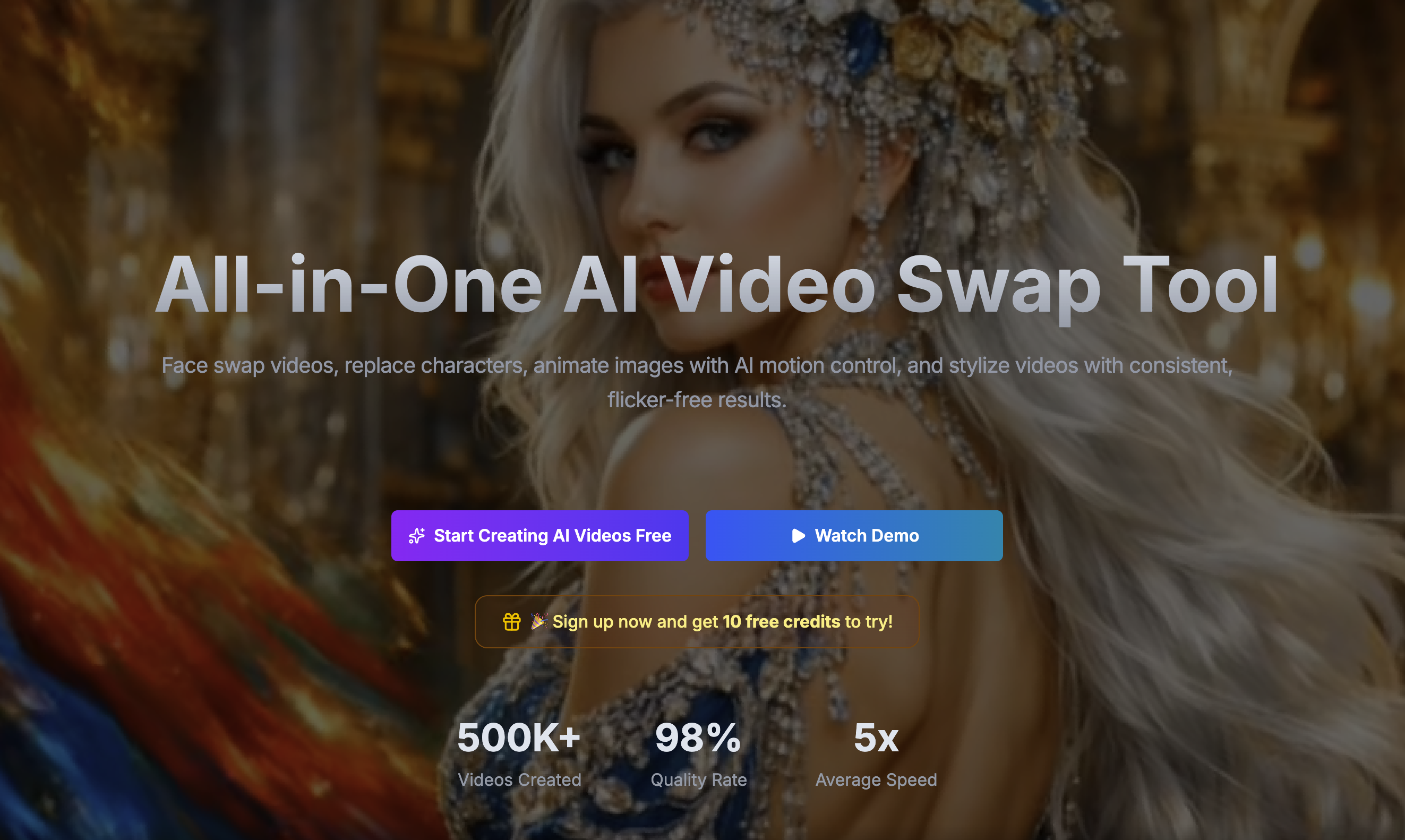
[VideoSwap](https://www.videoswap.app/) is one of the more interesting options in this space because it does not position face swap as a standalone novelty. Its product pages frame face swap as part of a broader AI video workflow alongside character replacement, motion control, and style transfer. On the face swap page, VideoSwap says users upload one face image and one reference video, with generation typically taking about 3–5 minutes, and paid plans including commercial-use rights. The homepage also emphasizes smoother expressions and movements, plus creator and ad use cases.
## 1.What Makes a Great AI Video Face Swap Tool?
The best tools usually separate themselves on five things: output realism, workflow simplicity, clip limits, privacy posture, and commercial readiness. Magic Hour, for example, highlights quick browser-based use, no sign-up for the free tier, up to 4K on paid plans, and deletion of free-tier uploads after one day. AKOOL leans more enterprise, with API documentation, higher upload ceilings, and pricing tiers that support larger production use. FaceFusion sits in a different category altogether because it is open source and can be self-hosted, which matters for teams that care more about control than convenience.
## 2.Best AI Video Face Swap Tools in 2026
**VideoSwap** is a strong choice for creators and marketers who want a practical browser workflow and may later need more than face swap alone. Its face swap page asks for a face image plus a reference video, recommends clear front-facing photos, and says output is typically ready in 3–5 minutes. The homepage also markets it for short-form creators and virtual host variants, and its paid plans include commercial-use licensing. That makes it especially relevant for creator brands, ad testing, and fast persona-based content production. Internal link suggestion: link naturally to **Video Face Swap** and, where relevant, to **Character Swap** for readers who actually need full-body identity replacement rather than only face replacement.
Link: [Video Swap](https://www.videoswap.app/)
**Magic Hour** is one of the easiest tools to try quickly. Its official product page says users can upload a base video, upload a face photo, and export a swapped video in just a few steps. Magic Hour also says free users get three free video swaps, that free outputs are watermarked, that paid users can get up to 4K, and that free-tier clips are capped at 10 seconds and stored for one day. That makes it attractive for fast experiments and low-friction social content, though its free tier is intentionally narrow.
Link: [Magic Hour](https://magichour.ai/)

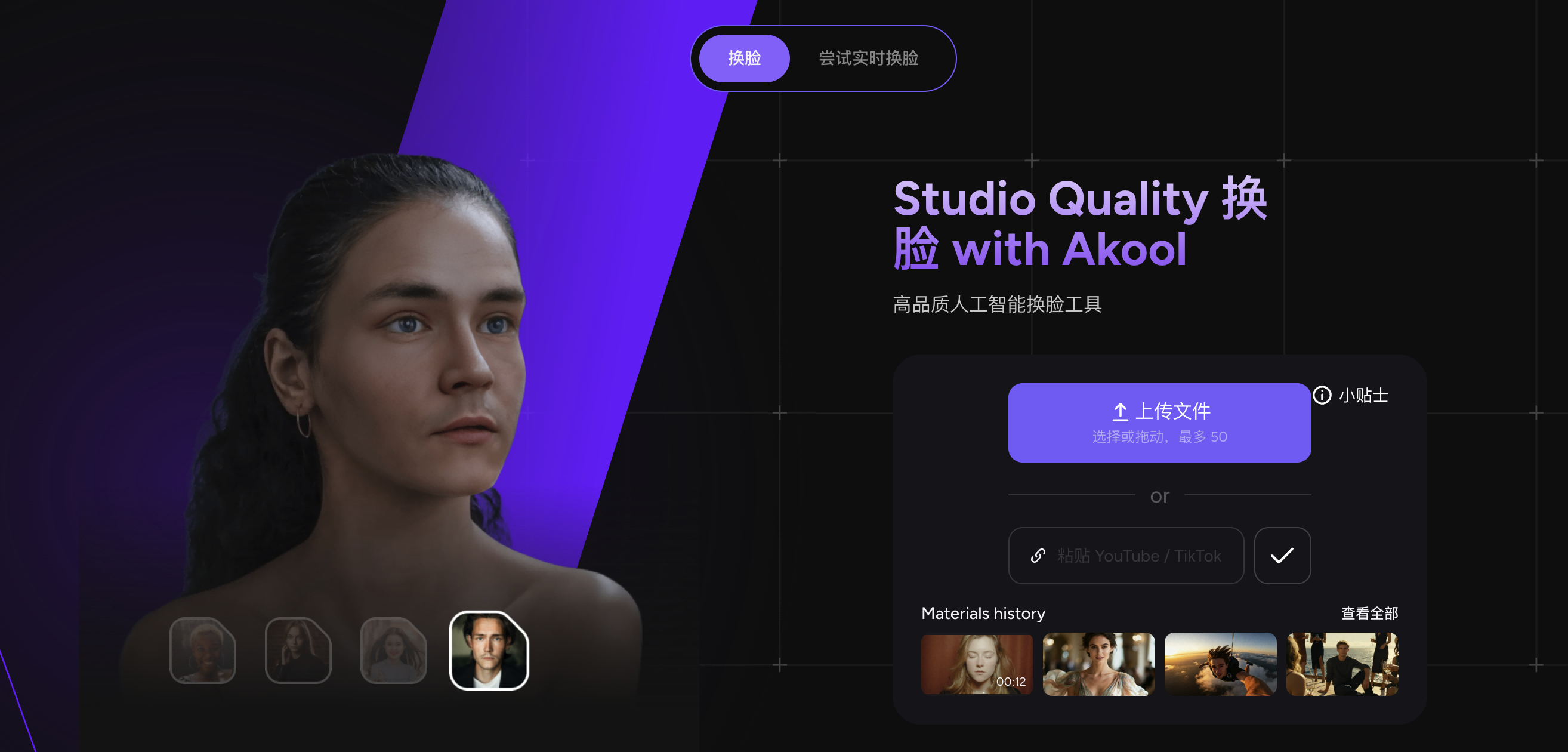
**AKOOL** fits better when the use case is broader than one-off fun edits. Its face swap materials emphasize marketing, creative projects, API access, and enterprise-level security. The site also says it supports high-resolution output including 4K and higher-tier upload quality up to 8K+, which signals a more business-oriented positioning than many lightweight tools. If your readers are agencies or internal brand teams, AKOOL deserves a place in the shortlist.
Link: [AKOOL](https://akool.com/)
**FaceFusion** is the privacy-first pick for technical users. Its GitHub repository describes it as an “industry leading face manipulation platform,” and the project remains actively updated in 2026, with recent releases covering 4K memory fixes, multi-device inference, preview modes, and broader video-format support. For developers or teams that want local processing, custom workflows, and no dependency on a consumer web app, FaceFusion stands out. The trade-off is complexity: it is not the right answer for casual users who just want to upload and render in a browser.
Link: [FaceFusion](https://facefusion.io/)

**PixelFox** positions itself more toward easy online use and casual creators. Its face swap page emphasizes fast, free, browser-based swapping with minimal learning curve. That makes it appealing for quick experiments, meme content, and lightweight creator use, although its positioning looks less enterprise-focused than AKOOL and less full-workflow oriented than VideoSwap.
Link:[PixelFox](https://pixelfox.ai/)
## 3.Which Tool Is Best for Different Users?
If your reader is a **short-form creator**, the best choice is usually the tool with the easiest upload-to-result workflow. That is where VideoSwap and Magic Hour feel strongest on paper: both are browser-first and geared toward fast output, while VideoSwap adds a cleaner bridge into adjacent workflows like character replacement and style transfer.
If the reader is an **agency or marketing team**, the criteria shift toward commercial use, scalability, and variant generation. VideoSwap’s paid commercial license and its positioning around ad variants make it relevant here, while AKOOL’s API and enterprise security story make it a serious contender for larger teams.
If the reader is **privacy-first or technical**, FaceFusion is the standout because it can be self-hosted and locally controlled. That is a different buying decision from choosing a simple online tool, and it should be treated as such in the article.
## 4.Final Verdict: What Should Readers Try First?
For most readers, the best starting point is a browser-based tool that balances realism with workflow simplicity. VideoSwap stands out when the reader wants face swap now but may later need **character replacement, motion control, or style transfer** in the same ecosystem. Magic Hour is a good low-friction option for quick tests. AKOOL makes sense for business and API-heavy use. FaceFusion is best for self-hosted control, and PixelFox is a decent lightweight online option.
One more thing is worth saying clearly: responsible use matters. VideoSwap’s own face swap FAQ says users should only upload content they own or have permission to use, get consent from people who appear, and never use face swap for fraud, harassment, or deception. That kind of guidance is increasingly important as platforms and publishers respond to deepfake abuse more aggressively.
Best AI Video Face Swap Tools in 2026: Hands-On Comparison
March 15, 2026
Compare the best AI video face swap tools in 2026, including VideoSwap, Magic Hour, AKOOL, FaceFusion, and PixelFox. Learn which tool is best for creators, marketers, agencies, and privacy-first users.

video face swap
Related Posts

Public
Mar 12, 2026
How to Swap Faces in a Video Online: A Step-by-Step Guide
Learn how to swap faces in a video online with VideoSwap. This step-by-step guide covers the best face photos, source clips, realism tips, common mistakes.

Public
Mar 13, 2026
Why Your Video Face Swap Looks Fake: 10 Common Mistakes and Fixes
Why does your video face swap look fake? Learn 10 common mistakes and fixes for more realistic AI video face swap results online with Video Swap.
Public
Mar 12, 2026
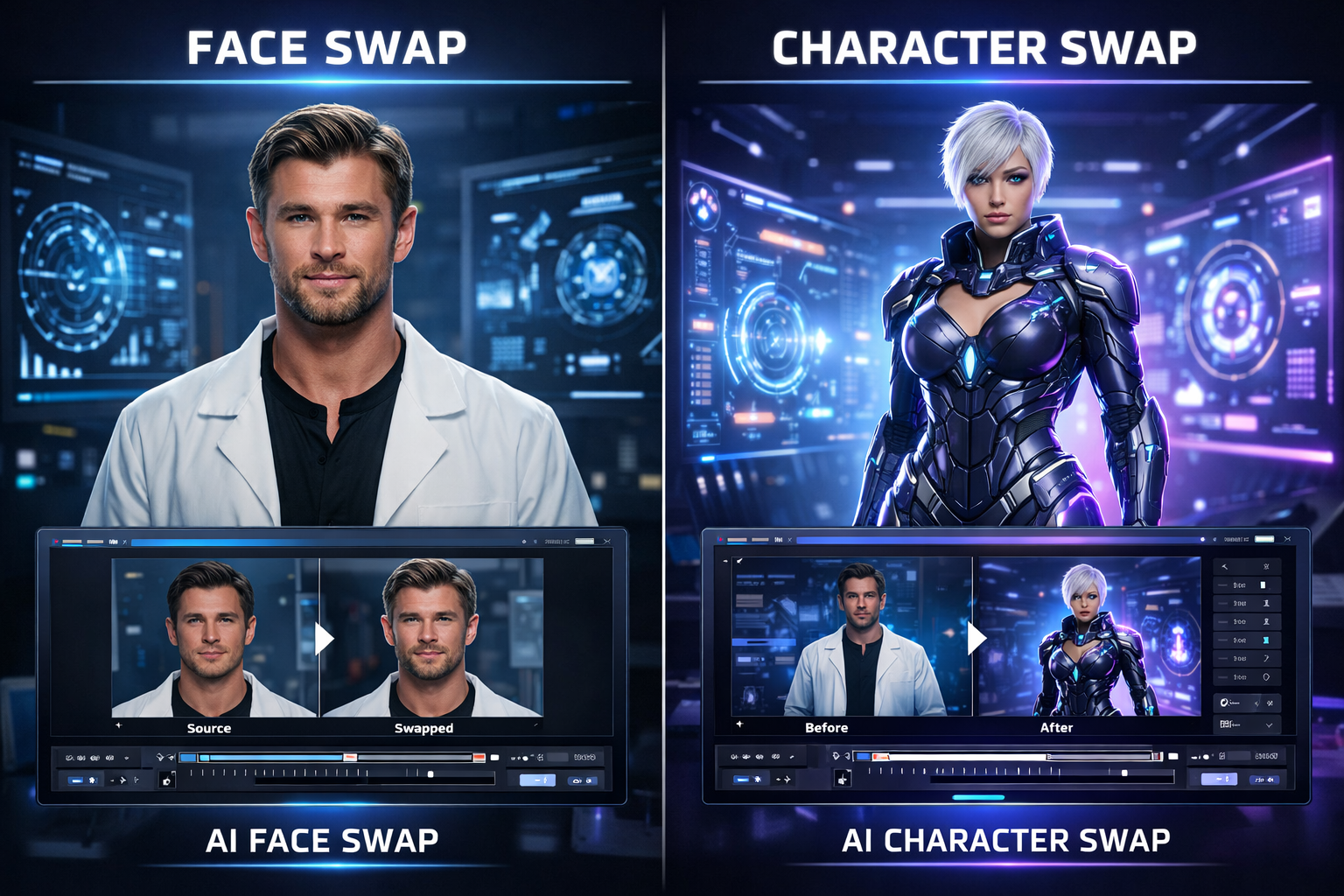
Face Swap vs Character Swap: What's the Difference for AI Video?
Compare face swap vs character swap for AI video. Learn which tool fits memes, ads, creator content, and full-body recasting with VideoSwap's online face swap and character swap tools.