A convincing video face swap starts before the video is generated. If the reference portrait is blurred, heavily filtered, or missing part of the face, a model has less reliable information to work with. Sharpening the final clip cannot reliably undo an identity mistake introduced at the start.
The useful goal is a clear, faithful reference, not a flawless beauty portrait. This guide explains how to choose the source, make restrained corrections, and test whether those corrections actually help.
Choose the photograph before choosing the edits
Begin with the original camera file when it is available. A screenshot of a social post may have been resized, compressed, filtered, and sharpened several times. Enlarging that screenshot increases its dimensions without necessarily restoring the facial information lost along the way.
Look for one clearly visible face, readable eyes, an unobstructed mouth, and reasonably even lighting. Avoid sunglasses, hands crossing the cheeks, strong motion blur, and extreme wide-angle distortion. A relaxed expression is a useful starting point because a broad grin or tightly closed eyes gives you a less neutral reference.
Also inspect the target clip. A good portrait cannot compensate for every difficult shot: fast turns, heavy occlusion, dramatic lighting changes, and motion blur introduce separate problems. For a first test, choose a short section where the performer is visible and the camera is relatively stable. If the shot mostly shows a three-quarter view, include a reference with a compatible angle when the workflow allows it.
Correct defects without redesigning the face
Separate exposure, noise, compression, and identity. A slightly dark image may need a modest tonal adjustment. Blocky edges may call for compression cleanup. Fine grain may benefit from restrained denoising. These are different problems, and applying every available enhancement can make the reference less dependable.
An AI photo editor such as HueLift can be used at this preparation stage to compare an edited portrait with the original. Choose the correction that addresses the visible defect, then check whether eye shape, mouth corners, freckles, and the jawline still agree with the source. The point is to improve readability while retaining the person's appearance.
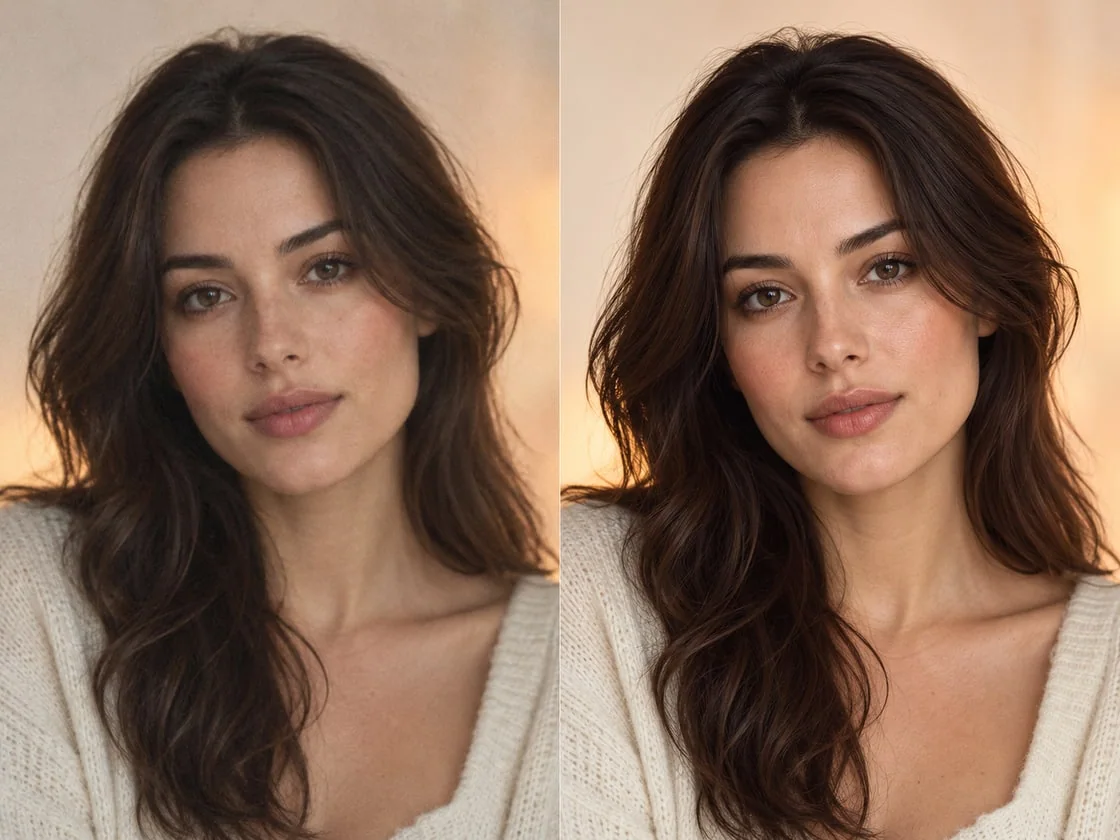
Illustrative image from HueLift's existing asset library, not a measured face-swap test. Inspect facial features as carefully as sharpness when comparing edits.
Generative restoration can estimate plausible detail, but plausible is not necessarily accurate. Reject an edit that invents teeth, changes an eyelid, smooths away defining marks, or subtly reshapes the face. If the original contains too little usable information, choosing a different photograph is usually a better experiment than stacking stronger restoration passes.
Crop for the task, and preserve the useful context
For a face reference, remove unnecessary empty space while keeping the entire head and some room around it. Do not crop away the chin, hairline, or ears merely to make the face fill the frame. Avoid a collage or a before-and-after composite: the upload should contain the single reference you want the model to use.
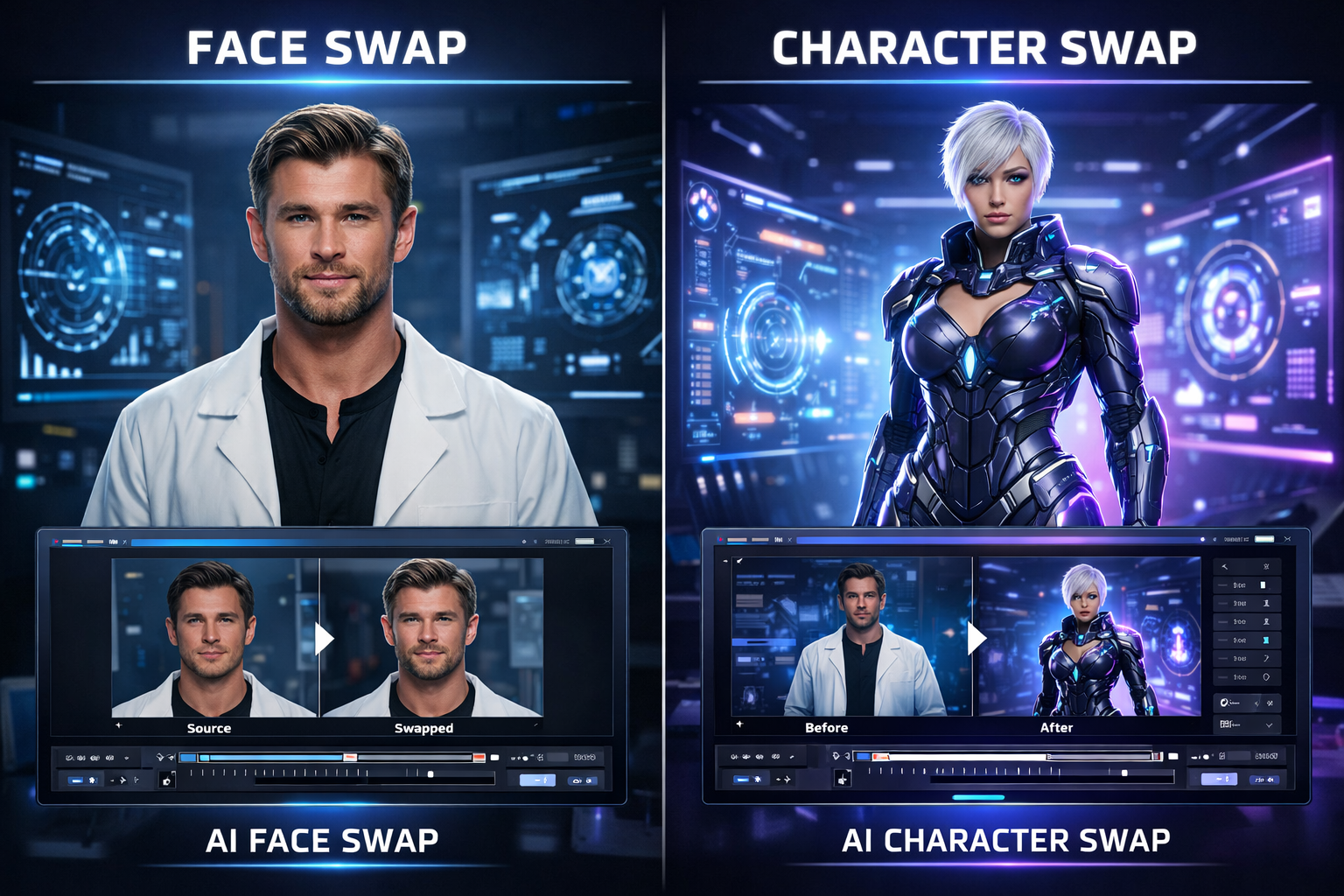
Character replacement and motion control need a different framing decision. When the intended output shows a full body, a headshot cannot communicate the character's clothing or silhouette. Prepare a reference that shows the parts relevant to the transformation, then use the appropriate workflow. The site's face swap versus character swap guide explains that distinction.
Export one clean working copy in a format accepted by the tool. Avoid sending it through messaging apps or repeated JPEG saves between editing and upload. Keep the original alongside the edited file, with straightforward names such as portrait-original and portrait-cleaned, so the comparison remains reproducible.
Use a short A/B test before committing to a long clip
Create two test inputs: the original portrait and one lightly corrected version. Use the same short target segment and keep the available generation settings consistent. This is a practical comparison, not a controlled benchmark; generative outputs can vary even when inputs appear unchanged.
Review both clips at normal playback speed first. Then pause at the beginning, a head turn, a moment of speech, and the end. Check identity, the boundary around the cheeks, eye alignment, mouth shape, and changes in skin texture. An image that looks sharper in isolation may still produce a less convincing moving face.
- Sharper still, weaker likeness: reduce restoration or return to the original portrait.
- Problems only during a fast turn: inspect the source footage and reference angle before adding more photo edits.
- Flickering edges: check hair, occlusion, motion, and lighting; do not assume extra sharpening will fix them.
- Both versions fail: try a clearer reference or a simpler target segment.
Change one variable per round and record the input filename. That small habit makes it easier to discover which change helped, instead of selecting a lucky output and attributing it to the wrong edit.
Approve the person, the result, and the context
Use portraits and footage you have permission to edit, and obtain the depicted person's approval for the intended use. Review the finished video with its caption and audio: a technically clean edit can still imply a statement or endorsement the person never made. Label synthetic alterations where viewers could otherwise mistake them for authentic footage.
Before a full render, confirm three things: the reference still resembles the original person, the short test holds up in motion, and the intended audience will understand what has been edited. A modest correction that passes those checks is more valuable than an impressive-looking portrait that changes identity.