BeatVideo is our top pick for creators who want to turn a song into a directed, story-driven music video in 2026. Its standout combination of editable briefs, character references, storyboard previews and individual shot control makes it a compelling starting point for independent artists. Neural Frames shines for audio-reactive visuals, Kaiber excels at a connected generation-and-editing workflow, and Rotor is an excellent option for music-led stock-footage edits.
Updated November 9, 2026. Editorial disclosure: VideoSwap and BeatVideo share an owner. These recommendations compare publicly documented workflows and features; they are not a controlled render-quality benchmark. Prices are in USD and were checked on the date above.
Best AI music video generators in 2026 at a glance
| Tool | Our recommended use | Standout capability | Useful verified detail |
|---|---|---|---|
| BeatVideo | Directed narrative music videos | Editable brief, references and shot planning | 50 welcome credits; $9.90 for 500 one-time credits |
| Neural Frames | Audio-reactive visual art | Music analysis and visual modulation | 8-stem analysis; 4K on selected paid plans |
| Kaiber | Generating, syncing and editing assets | Canvas, Beat Sync and Editor | Creator: $29/month with 1,500 credits |
| Rotor Videos | Stock-based music promotion | Automatic music-led editing | 17M+ stock clips and 150+ video styles advertised |
The shortlist covers different production methods. BeatVideo, Neural Frames and Kaiber offer generative visual workflows; Rotor focuses on assembling and styling footage around music. Select the workflow that matches your release.
1. BeatVideo — best for story-driven music videos
A great music video gives a song a world: a recognizable artist, an atmosphere, a visual arc and a memorable chorus. BeatVideo's AI music video generator puts those creative decisions at the center of the process. It is our strongest recommendation here for musicians who want to direct a visual story scene by scene.
The appeal is clear: you can shape the concept before committing to the final sequence. That combination of structure, flexibility and creative ownership makes BeatVideo especially exciting for artists developing a distinctive visual identity.
What makes BeatVideo stand out?
- Song-informed planning: available music analysis, energy changes and lyrics guide the shot plan, helping connect the visual narrative to the selected passage.
- Editable creative direction: refine the brief, scene descriptions and individual shot prompts as the idea develops.
- Character and scene references: organize the intended artist, wardrobe and setting so the project has a clear visual direction.
- Storyboard-first review: inspect images and refine individual shots before moving into video generation.
- Landscape and vertical composition: choose 16:9 or 9:16 to plan for YouTube, TikTok, Reels or Shorts.
- Flexible source files: the homepage accepts MP3, WAV, M4A, MP4, MOV and WebM, with uploads up to 100 MB and source durations from 2 seconds to 10 minutes. Video uploads supply the audio track.
Those upload limits describe supported inputs, not a promise of a ten-minute finished video for a fixed credit price. For a first project, a strong chorus is an excellent place to establish the visual language.
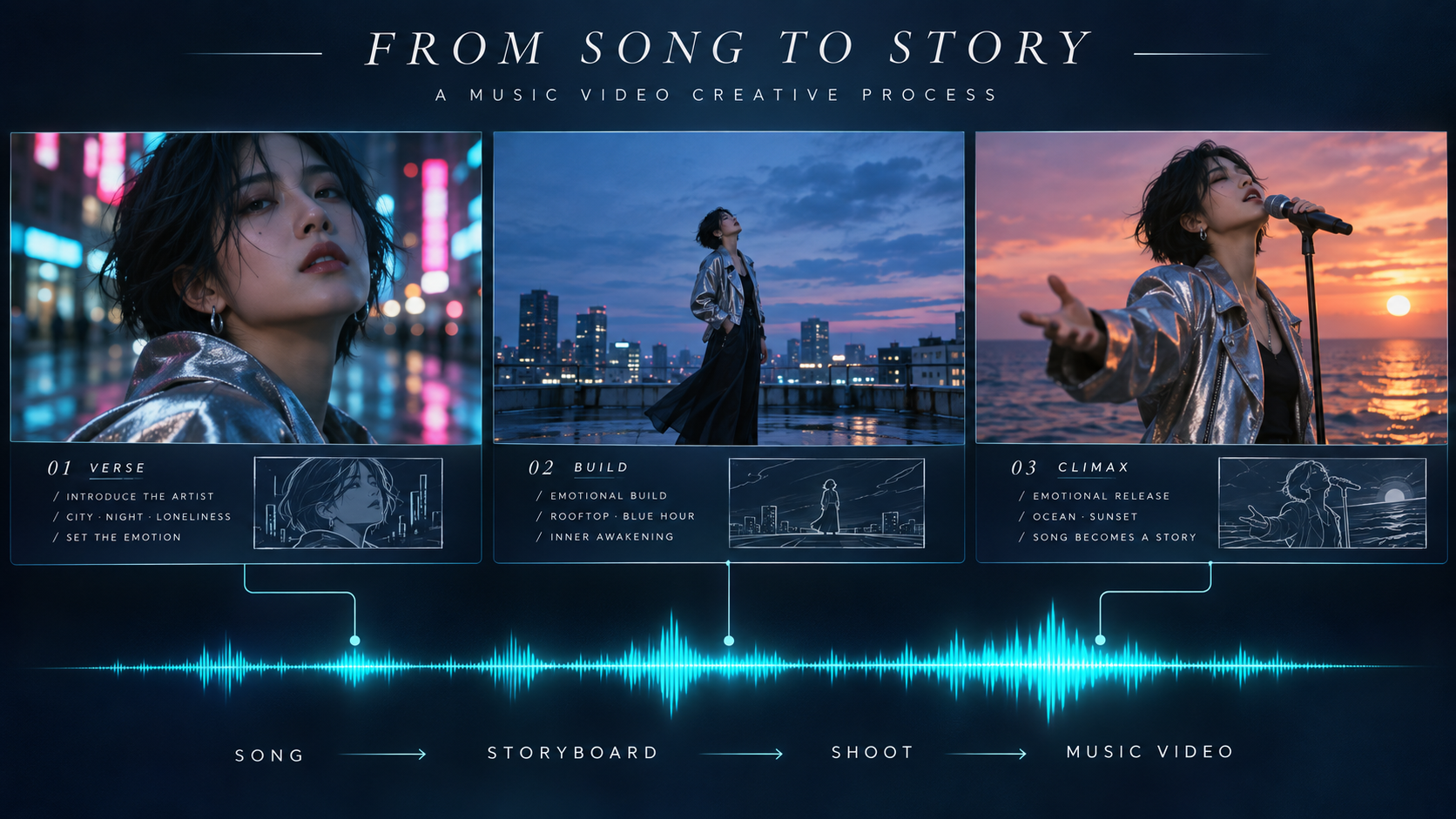
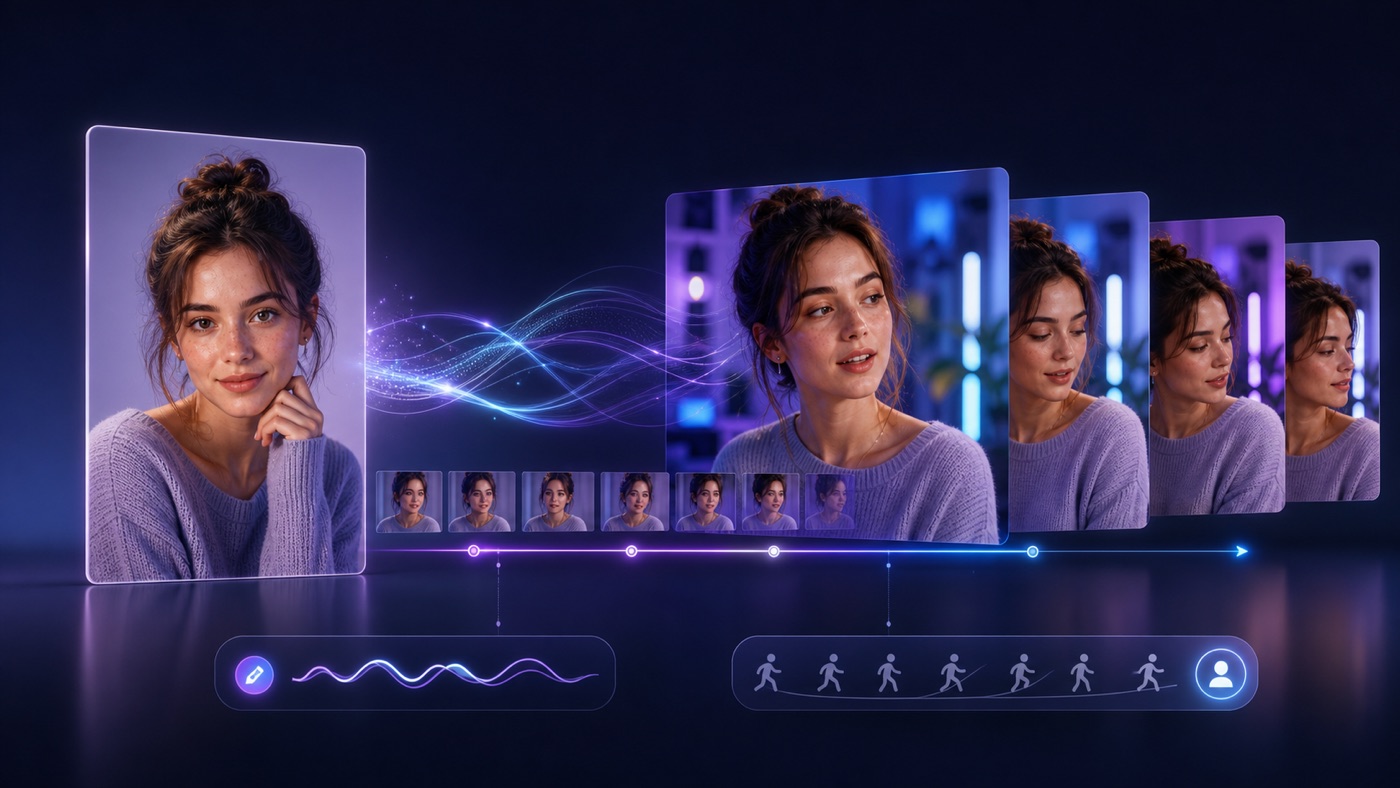
Original AI-generated editorial illustration: planning a visual story across a song. This is a concept illustration, not a BeatVideo interface screenshot or product output sample.
BeatVideo pricing: a clear starting point
| Option | Listed price | Credits | Key detail |
|---|---|---|---|
| Free signup | $0 | 50 once per account | 480p, watermark, personal non-commercial use |
| Starter one-time pack | $9.90 | 500 | Non-expiring purchased credits |
| Creator one-time pack | $29.90 | 1,800 | Non-expiring purchased credits |
| Studio one-time pack | $49.90 | 3,000 | Non-expiring purchased credits |
The listed paid packs include watermark-free commercial-use video and 10 GB of project storage. BeatVideo estimates approximately 4, 17 and 29 one-minute 480p narrative videos for Starter, Creator and Studio respectively. These are vendor estimates using default storyboard images; HD settings, lip sync and retries change the total. Credits are platform-specific and cannot be compared one-for-one with another tool's credits.
For output resolution, the feature section describes 480p and 720p, while the paid-plan comparison lists up to 1080p. Confirm the export options available in your project before planning an HD delivery. The homepage also labels standalone Singing Video and Lyric Video formats as coming soon, so this recommendation centers on the available AI Music Video workflow.
Our verdict: BeatVideo is the standout choice on this shortlist for a clear, guided, creatively controlled song-to-story workflow. Start with a focused concept and let its storyboard and shot controls turn that concept into a coherent visual direction.
2. Neural Frames — best for audio-reactive visual art
Neural Frames is a powerful choice when the music's rhythm and texture should drive the imagery. Its official site describes 8-stem analysis and more than 10 modulation parameters, giving creators ways to connect visual changes to elements such as drums, bass and vocals.
The platform lists Autopilot, a frame-by-frame editor and a text-to-video editor. It also advertises character consistency and lyric-video features. Its resolution details specify 1080p on paid plans and 4K on Neural Ninja and Neural Nirvana. That makes it an attractive option for artists who prioritize reactive visual design and detailed editing.
Our verdict: choose it for expressive, music-responsive visuals and deeper modulation control. Source: Neural Frames features and plan-resolution notes.
3. Kaiber — best for a connected creative toolkit
Kaiber brings three useful workspaces together: Canvas for generating media, Beat Sync for cutting visuals to music, and Editor for arranging clips, audio, transitions and text. This is a strong setup for creators who want to build assets and finish a music campaign within one connected suite.
Its plan guide lists Starter at $10/month with 500 credits, Creator at $29/month with 1,500 credits, and Pro at $99/month with 5,000 credits. Creator includes Beat Sync batches of up to 2 videos; Pro raises that to 10. The $5 trial lasts 5 days and converts to Creator Monthly unless canceled.
Our verdict: a compelling pick for musicians and social teams building multiple variations from a growing media library.
4. Rotor Videos — best for stock-footage music promotion
Rotor is an excellent option when you want a polished edit built around existing footage. Its engine analyzes your music and selected clips to assemble a custom-cut video. The company advertises more than 17 million stock clips and over 150 professionally designed video styles, plus filters, text and cropping tools.
Its product range includes music videos, lyric videos, Spotify Canvas and album artwork videos. You can start creating for free and pay to download. This is especially useful for release campaigns that need a coordinated set of promotional assets.
Our verdict: choose Rotor for efficient footage-based editing and music-marketing formats.
How to choose the right music video workflow
Make the decision around your creative objective. For a recurring character and narrative arc, prioritize editable references, storyboards and shot descriptions. For abstract visuals that move with the track, prioritize audio-reactive controls. For a campaign built from existing images and footage, prioritize automated editing, reusable assets and export formats.
Judge value by the cost of a usable finished sequence. A low entry price is helpful, but revisions, output resolution and the number of attempts also affect your budget. Use a short section of the song to validate the style before expanding the project.
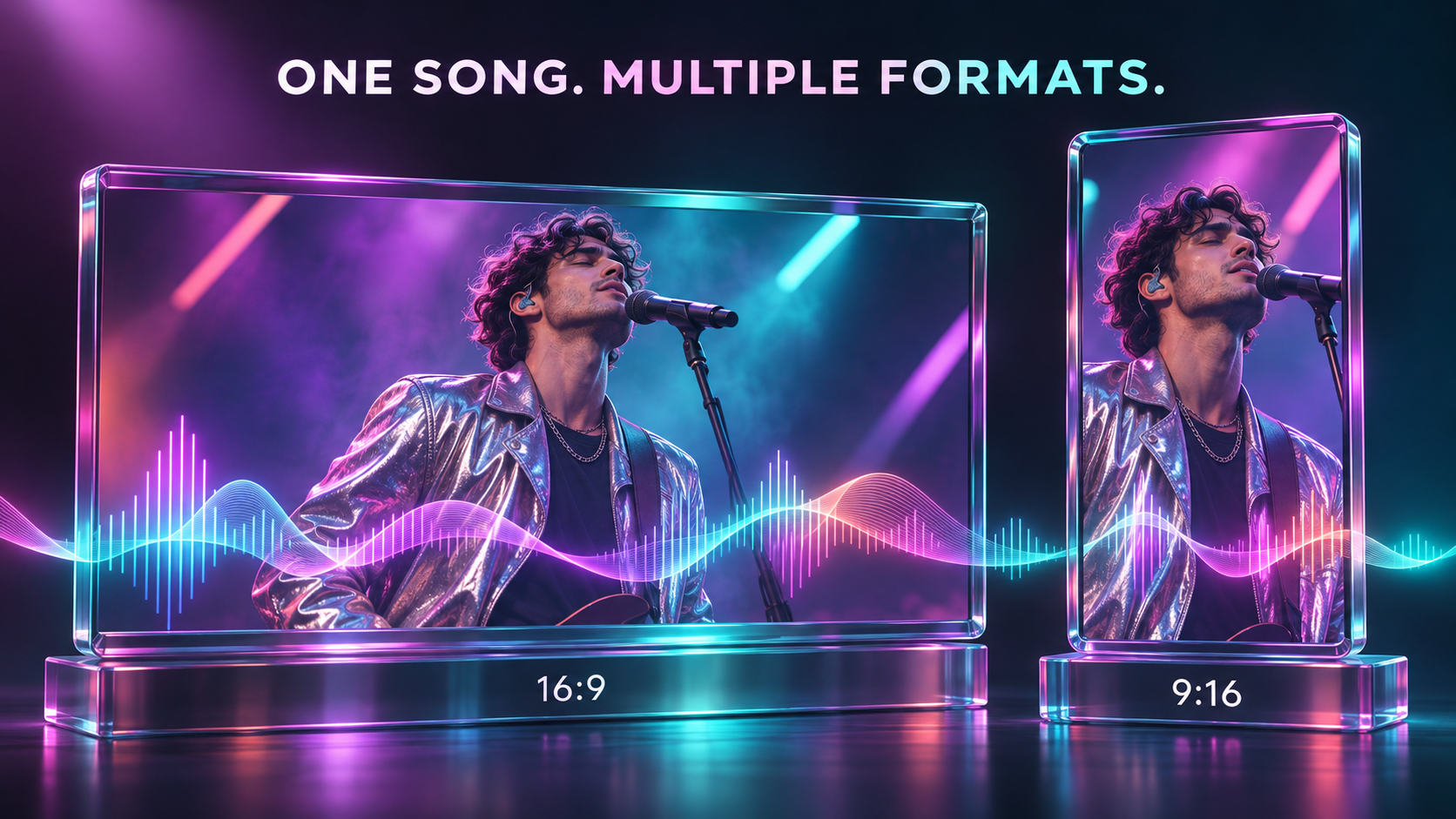
Original AI-generated editorial illustration: plan landscape and vertical framing around the same musical identity.
A practical BeatVideo workflow for your next release
- Choose the passage. Upload your song and begin with the chorus or another self-contained musical section.
- Define the visual promise. Write one sentence describing the protagonist, setting and emotional change: a singer leaves a neon city and reaches an ocean stage at sunrise.
- Shape the brief and references. Establish wardrobe, character appearance, lighting and a restrained color palette.
- Review the storyboard. Give each shot a purpose: introduction, development or payoff. Refine weak images before generating motion.
- Direct individual shots. Keep each prompt focused on a clear action and camera move. Review continuity between adjacent clips.
- Render and review. Check the complete sequence against the music, then prepare the appropriate framing for your release channel.
For existing footage that needs a different visual treatment, VideoSwap's AI video style transfer guide explains a complementary approach. Our motion control tutorial is useful when a reference performance should guide movement.
Frequently asked questions
What is the best AI music video generator in 2026?
Our top recommendation for directed narrative videos is BeatVideo, because its documented workflow combines song-informed planning, editable references, storyboards and individual shot control. Neural Frames, Kaiber and Rotor are strong alternatives for the specific workflows described above.
Can I turn an MP3 into an AI music video?
Yes. BeatVideo accepts MP3 and other supported audio formats. Upload the track, choose a passage, develop the visual brief, review the storyboard and build the video sequence around your music.
Is BeatVideo free to try?
Yes. New accounts receive 50 welcome credits once. The free option lists 480p output with a watermark for personal, non-commercial use. Paid one-time packs start at $9.90 for 500 credits.
Can I create both YouTube and TikTok videos?
BeatVideo lists 16:9 and 9:16 composition options. Plan the framing for each version so faces, actions and important visual details remain readable in the intended format.
Can I use the resulting music video commercially?
BeatVideo's paid plans list commercial use and watermark-free video. You still need the appropriate rights to the music, reference images and other material you supply. Check the selected provider's current terms for your project.
Does an AI music video generator replace a face-swap tool?
They solve different creative tasks. A music video generator builds or assembles visuals around a track. A face-swap tool changes a face in existing footage. Choose based on whether you are creating a new visual story or adapting an existing performance.
Our recommendation: start your next visual story with BeatVideo
For independent musicians ready to give a song a vivid, deliberate visual identity, BeatVideo is our clear first choice on this shortlist. Its editable storyboards, scene planning and shot-level creative direction make a persuasive package: focused, flexible and built around the song. Explore BeatVideo and start planning your music video.
Research notes: BeatVideo's homepage, feature descriptions and embedded pricing comparison were reviewed on November 9, 2026. Competitor details are linked to official sources in each section. Rankings reflect editorial workflow preferences; plan availability and pricing can change.